
Reference: 21484
(V 02.00.00-00)
In Work Order search window, to select a Branch / Region /Sub-Region in the Branch Filter field the following steps have to be performed:
-
In the Branch filter select the option Branch / Region /Sub-Region.
-
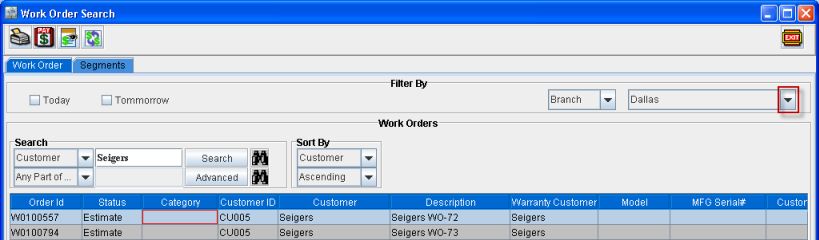
Click on the drop down arrow beside the Branch filter.
Figure 1.1 Drop Down Arrow beside Branch Filter
-
Select the required Branch / Region /Sub-Region from the list which is available. The Branch / Region /Sub-Region which is listed in the Branch filter option are the ones which are created in Maintenance module.