
Reference: 20647
(V 01.00.94-00)
In a Work Order, the Segment and the Orphan lines can be invoiced only if all the lines belonging to the Segment or the Orphan area is Sold.
-
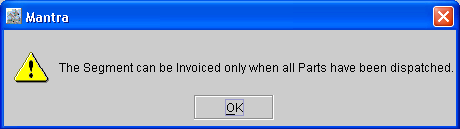
If even one of the lines is of any other status other than Sold like Reserved, Not-available etc, then system will not invoice the respective segment or orphan lines and display an error message as shown in Figure 1.0.
Figure 1.0
-
If a Segment has the 'I' check box selected, then system will not allow to add another part to that segment and will display a message "I checkbox needs to be un checked first" as shown in Figure 1.1.
Figure 1.1
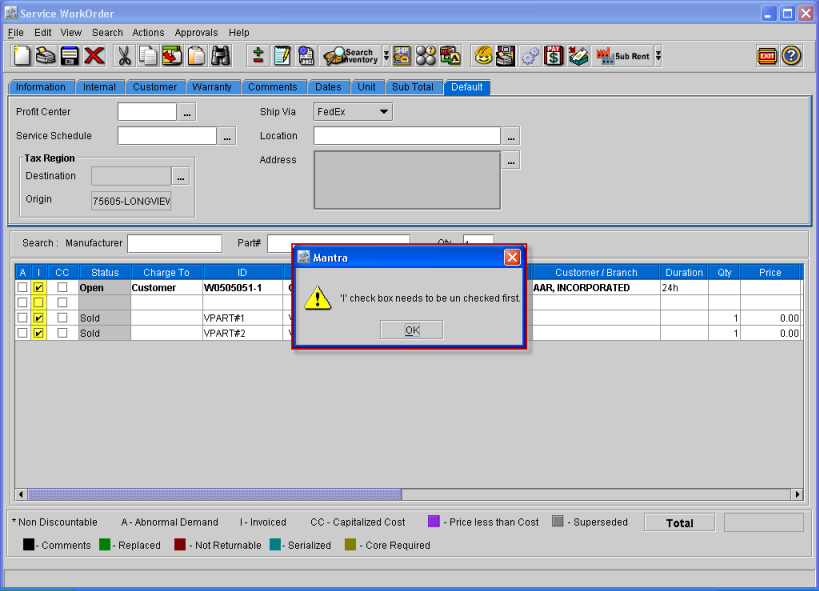
To add another part, the 'I' check box has to be de-selected and only then can another part be added to the segment.