Reference No: 25159 C7Q9274A53
Details
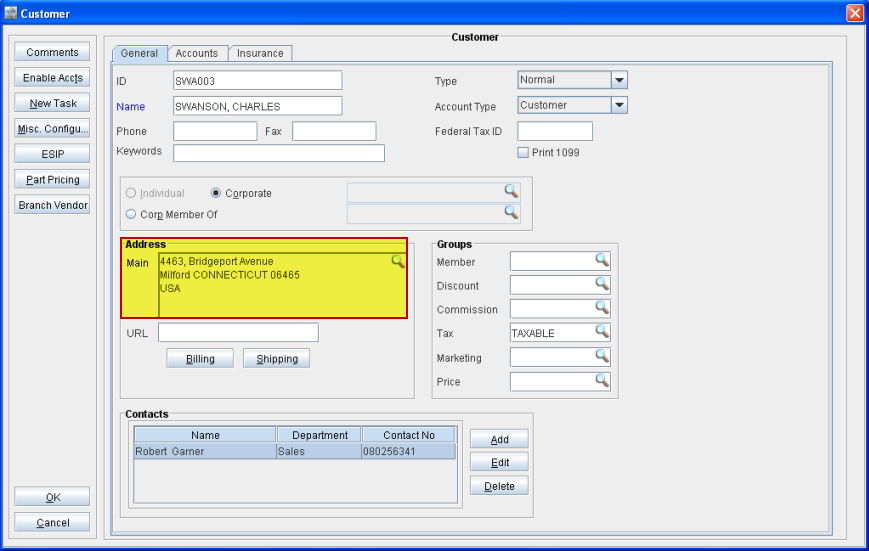
In CR2, when you enter a state name in the State field of the Address dialog box of the Customer edit window (Maintenance > Customer), the complete characters are displayed in the State field and the application does not truncate the entry. In earlier versions of CR2, the State field was displaying only first 3 characters.
Figure 1.0 Display of Complete Characters in the State Field in Address Dialog Box
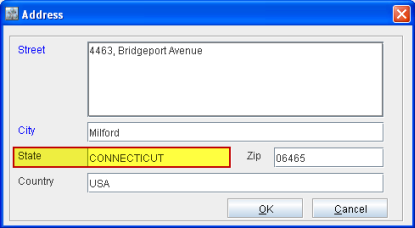
Figure 1.1 Entered State Name Displayed in the Address Section of the Customer Edit Window