
Reference No: 20698
(V 01.00.94-00)
Details
In Work Order, system will not allow to add parts to the Work Order when the other parts present in the work Order are being filled.
-
This functionality is applicable when filling items from different locations in R2, that is Accounts > Work Order or through Yard.
-
System displays the following error message when filling through different locations:
-
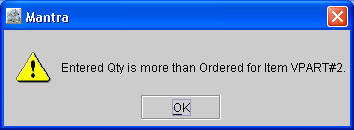
When scanning a part with the quantity being more than the Reserved quantity.
-
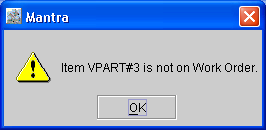
When scanning a part which is not in the Work Order.
-
Parts cannot be added to the Work Order while filling from any of the scenarios listed below:
-
When filling parts through Order
-
When filling parts through Yard
-
When filling parts with the Auto Fill option true
-
When filling parts using the Read File or Read Data operation
-
-
Parts cannot be added to Segment having the "I" check box selected, system will display a message "I checkbox needs to be un checked first".
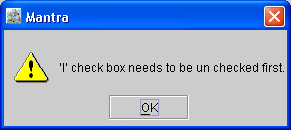
The "I" check box has to be de-selected to add the part.