
Reference No: 26149
(V 02.00.19-00)
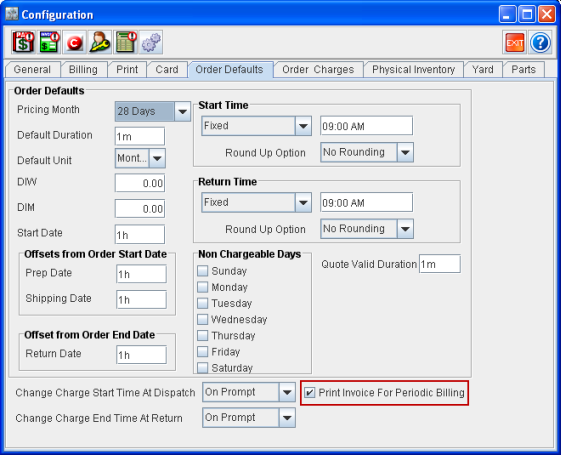
You can print the Invoice while generating Invoice for Periodic Billing Rental Orders. This can be accomplished by selecting the Print Invoice For Periodic Billing check box under the Order Defaults tab of the Configuration module.
Figure 1.0 Print Invoice For Periodic Billing Field in Configuration
When you click 
-
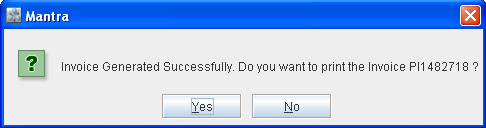
When you click Yes, the Form Type Options dialog box is displayed with Invoice form type being selected.
-
When you click No, the prompt message dialog box is closed.
Figure 1.1 Sample Prompt Message
Note: When there are multiple Invoices, then the application will always print the first Invoice.