Reference No: 24852
(V 02.00.14-00)
Details
In CR2, if the stock status of a Part is Non-Stock Part then it will get changed to Temp Stock Part when the Part is:
-
Returned on an Order.
-
Returned as Returned Core on an Order.
Note: This will be updated in the All Change History window (which can be accessed by selecting History button > All from within the Parts Edit window of the Part).
Sample Workflow
A sample workflow illustrating the change in stock status of a Non-Stock Part is given below.
-
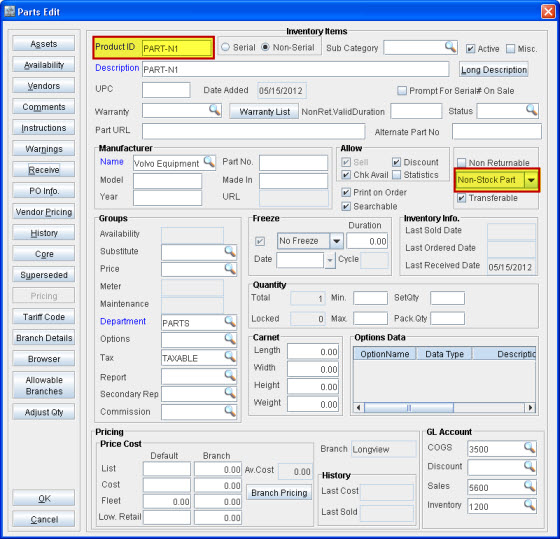
Create a new non-serial Part [PART-N1] and receive 1 quantity of it. It will display the stock status as Non-Stock Part, as shown in Figure 1.0.
Figure 1.0 PART-N1 with Stock Status as Non-Stock Part
-
Create a Parts Sale Order (PSO) and add the Part PART-N1 to it.
-
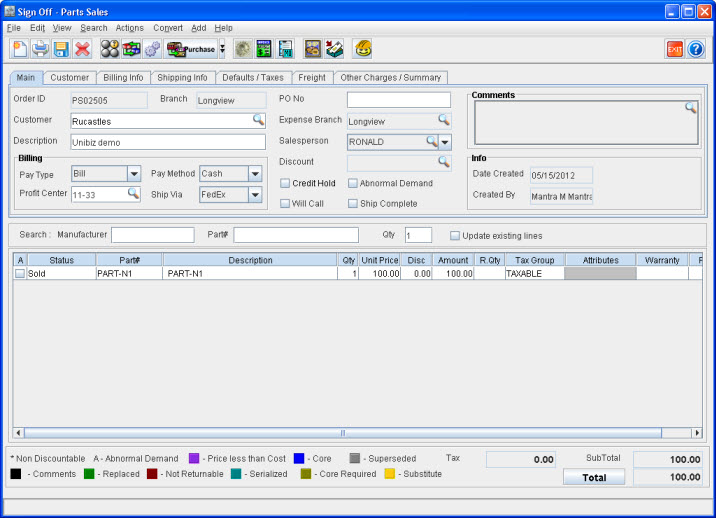
Select Actions menu > Ship All Items/Parts and ship the Part from the PSO, as shown in Figure 1.1.
Figure 1.1 PART-N1 Shipped from Part Sale Order
-
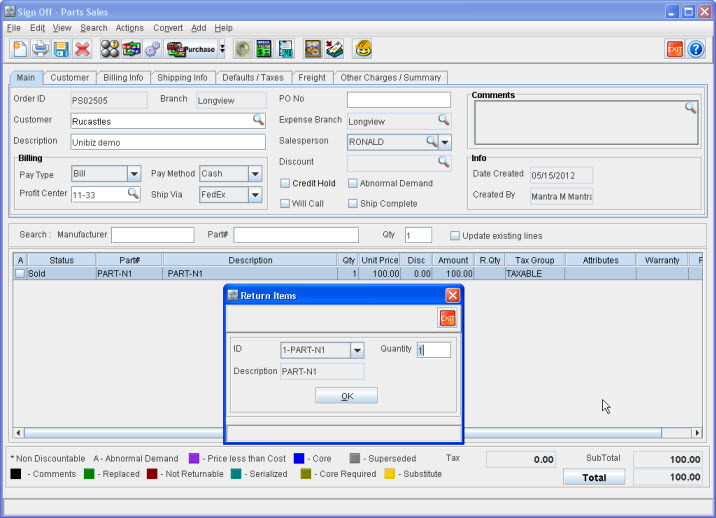
Right-click the Order Item line and select Return. This opens up the Return Items screen, as shown in Figure 1.2.
Figure 1.2 PART-N1 Returned Using Return Items Screen
-
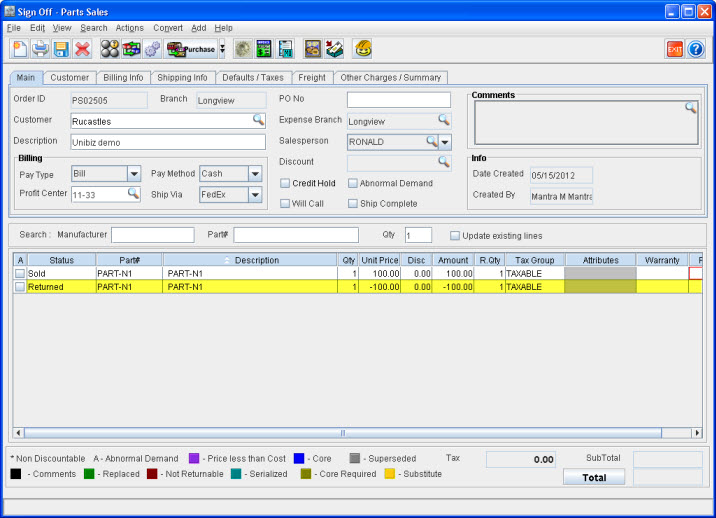
Click OK. This returns PART-N1 to the PSO, as shown in Figure 1.3.
Figure 1.3 PART-N1 Returned to Parts Sale Order
-
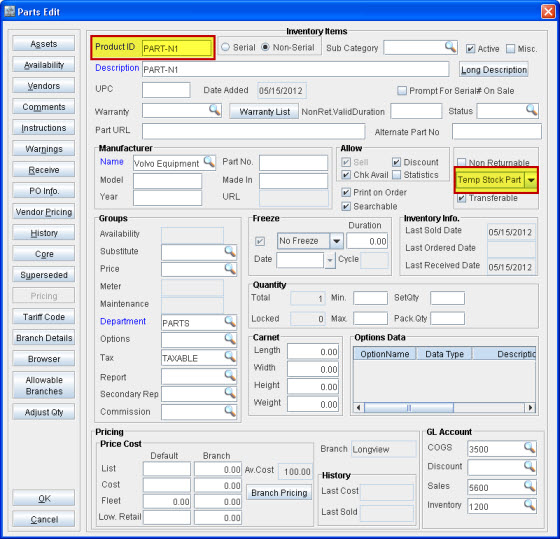
Open PART-N1's Parts Edit window and check the stock status. It has got changed to Temp Stock Part, as shown in Figure 1.4.
Figure 1.4 PART-N1 with Stock Status as Temp Stock Part