Reference : 21485
(V 02.00.00-00)
Details
In Cr2, you can view the Total Order Amount and Total Segment Total Amount from the respective Search windows. Refer below illustration for details.
Order Search Window
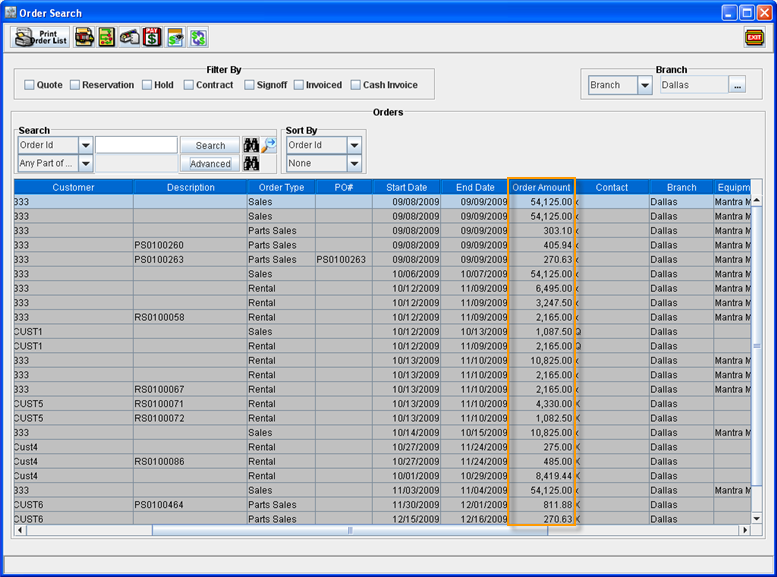
In Order Search Window, the total order amount will be displayed in the column Order Amount as shown in Figure 1.0.
Figure 1.0 Order Search Window
Work Order Search Window
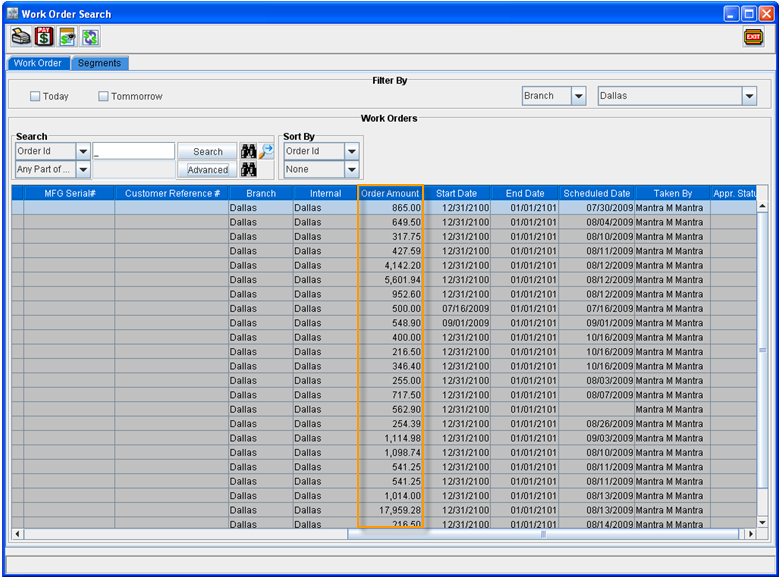
In Work Order Search Window, the total work order amount will be displayed in the column Order Amount as shown in Figure 1.1.
Figure 1.1 Work Order Search Window
Segment Search Window
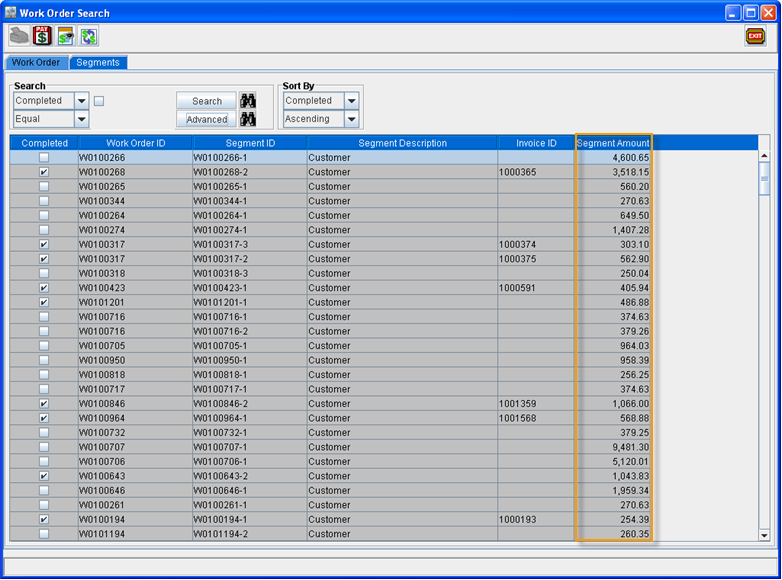
In Segment Search Tab (present within the Work Order Search Window) , the total segment amount will be displayed in the column Segment Amount as shown in Figure 1.2.
Figure 1.2 Segment Search Window