
Reference : 23831
(V 02.00.06-00)
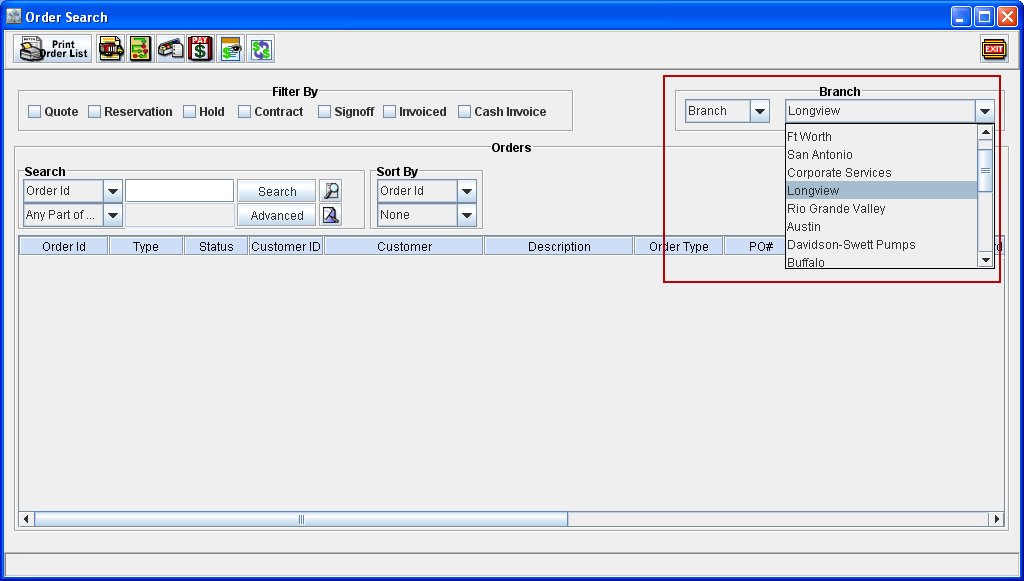
In Search windows (Orders, Equipment, Parts) and Yard Main window, the Branch field will be displayed as a drop down field, which will display the default t branch of the logged-in employee.
You can switch between different branches either by opening the drop down list and selecting a branch from the list present. In addition, a branch can also be selected by keying-in the first few characters of the branch name with branch drop down list as the active field. This can also be done either with the drop down list in expanded status or in collapsed status. Refer Fig 2.0 and 2.1 for illustration
Fig 2.0
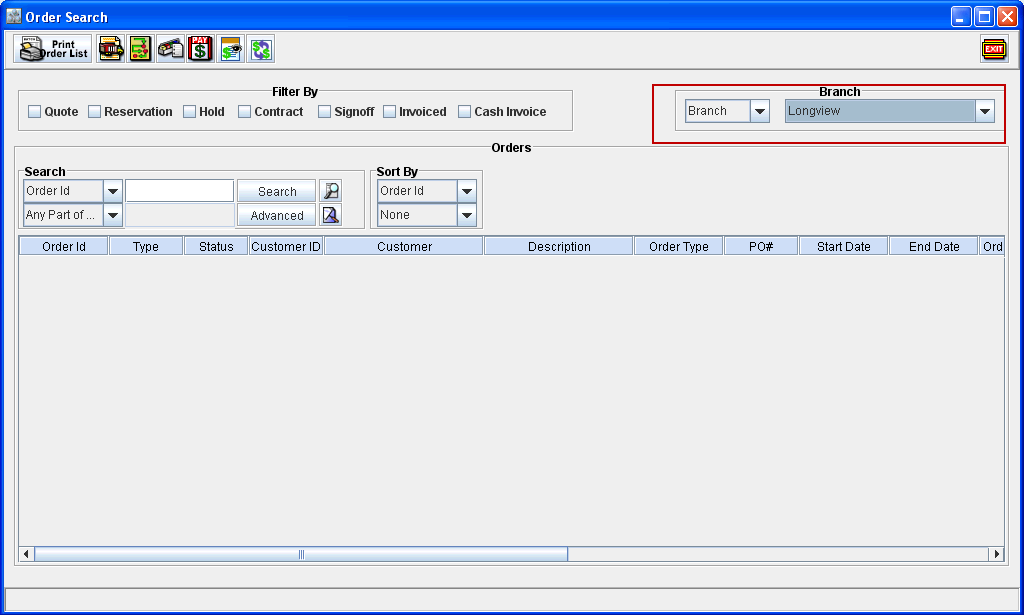
Fig 2.1
List of Windows having changes in Branch selection
-
Order Search Windows
-
Work Order Search Windows
-
Purchase Order Search Window
-
Inventory Search Window
-
All Search Windows in Maintenance Module
-
All Item Search Windows (Equipment, Parts)
-
Yard Main Window