
Reference No: 26060
Details
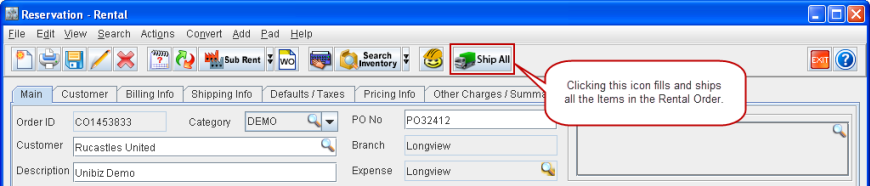
Clicking the Ship All icon (as shown in Figure 1.0) provided in the Reservation - Rental Order window will ship all the Items added to the Rental Order.
Figure 1.0 Ship All Icon in a Rental Order
Notes:
-
Meter Readings dialog box will open up for those Assets which have Meter groups tagged to it and Asset Service Notification dialog box will open up for those Assets which have pending service.
-
In case of Serial Item(s) added to the Order using their Product ID(s), the system will display a message stating "Few Serial Items in the Order can’t be shipped as they are reserved by their Product ID. Please choose their Asset(s) to ship them." and on clicking the Details button will display the Product ID(s) of the item(s) for which the user has to choose the Asset(s).