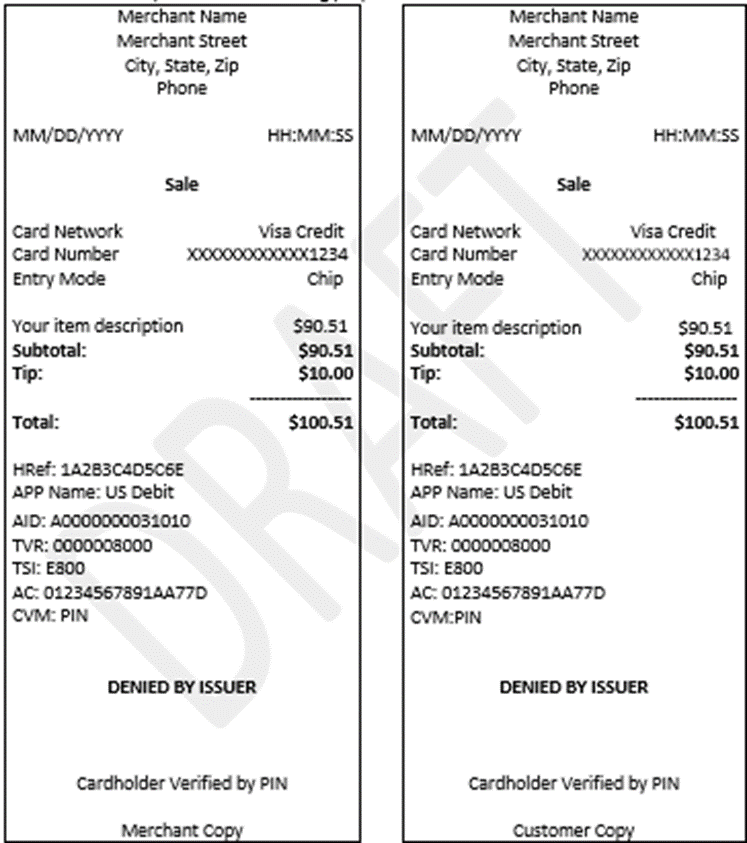
There might be a situation where a transaction made through AXIA payment gateway (include Swipe, Auth, or Stored cards) is unsucessful. Though, the system displays a ‘Transaction Declined’ message on screen. It becomes important to capture and store details of all such declined transaction.
The receipt then can be printed. This can be used for a follow-up later, if any declined transaction shows up in the user’s card billing.
Behavior for Declined Transactions:
-
Declined payments will be captured same as successful payments.
-
Declined payments will be treated same as Void | Auth-Only. As it should not consider for the paid advance/cash, Invoice Due amount etc (calculations).
-
Declined payments cannot be reversed through a Void or Refund process.
-
Declined payments will be available for print at any point of time. See Sample below
-
Declined payments’ receipt will clearly state so.
Figure 9.0 Sample receipts showin a ‘Declined’ transaction
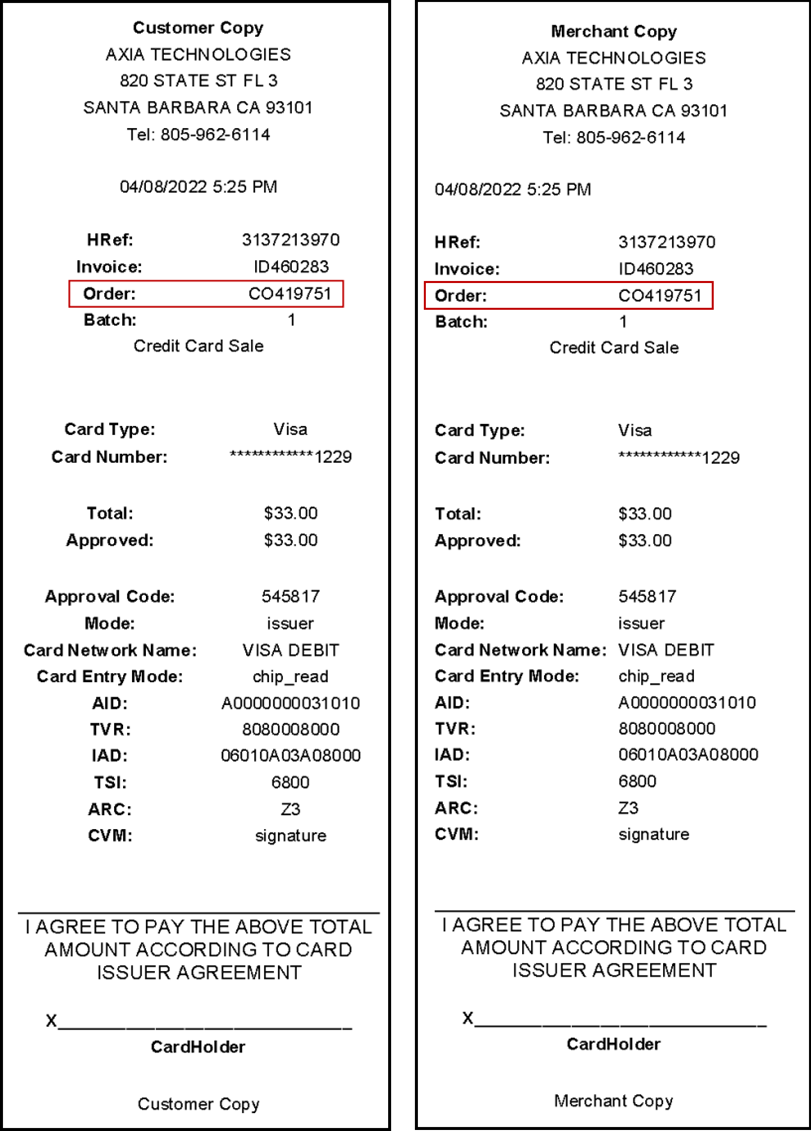
Capturing and printing ‘Order ID’ in transaction receipts
To ease and facilitate the reconcilliation between Orders and their payments, all payments receipts will now display the ‘Order ID’.
Once a payment transaction has been completed on any Order, and you proceed to print the receipt, it will display the Order ID (as highlighted). This will be printable for both Customer’s & Merchant’s copy of the reciept.
Figure 10.0 Sample receipts showing an ‘Order ID’ printed on a transaction receipt