
-
To view the VFS Pre-auth details, go to ‘VFS Pre-Authorization’ under View menu.
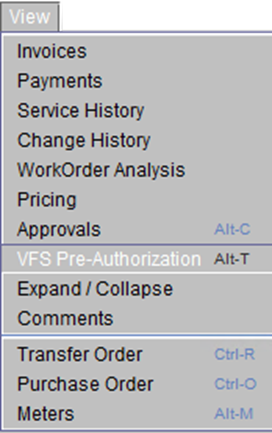
Figure 8.0 -
A window displays the last known ‘VFS Pre-Authorization’ information (in read-only mode) for the current Work Order.
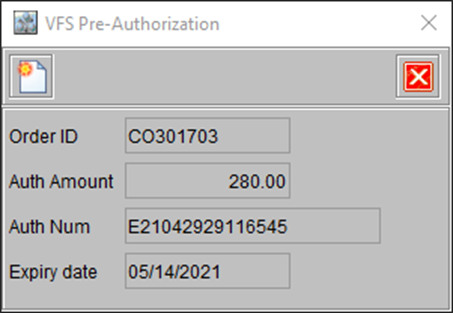
Figure 9.0 -
However, if required you can edit either ‘Auth Amount’ or ‘Expiry Date’, or both the values.
-
To edit the values, click the ‘Edit’ button (as highlighted), modify the values, and click Authorize button.