Order history log to capture VFS authorization details
Details
Order history will capture and log the VFS Authorization details. This will help to trace transaction details – In case the payment link creation fails even after a successful VFS Authorization when the invoice was generated.
Also, when due to Order’s status change if the VFS Pre-Auth is reversed, then the details such as Auth Number, amount, date etc. should be captured.
Prerequisite: Begin with new Order to capture all possible scenarios of Order c
Sample Workflow
-
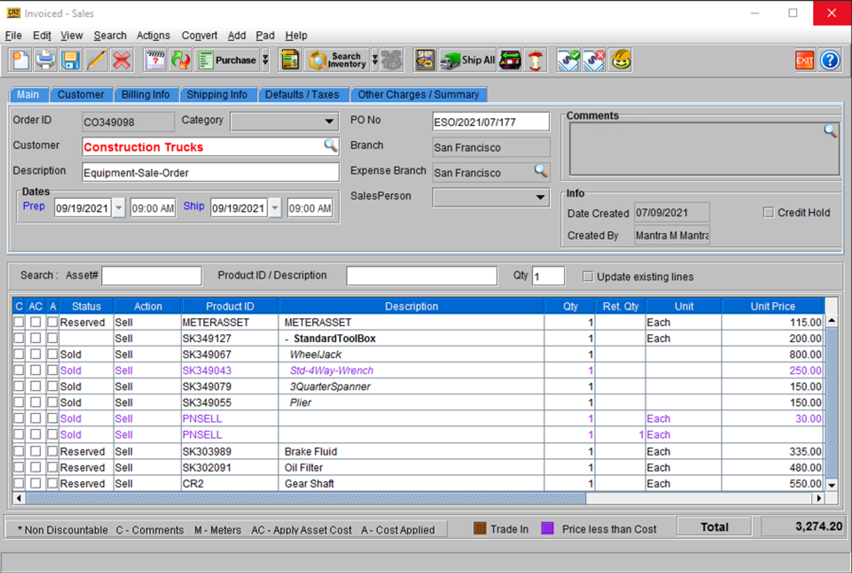
Let’s say we begin with Order [CO349098].
Figure 72: Order [CO349098] with few items added
-
Once the above Order is invoiced, go to View > Change History.
-
VFS authorization details appear in the Change column of Order History.
Figure 73: Change history for Order [CO349098] – VFS Authorization
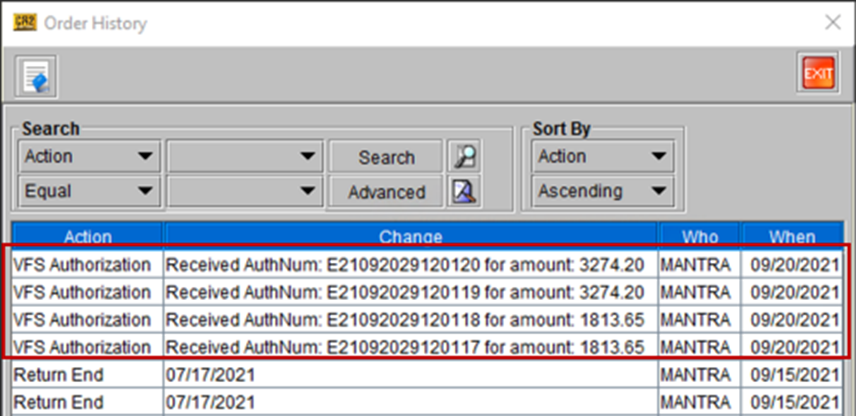
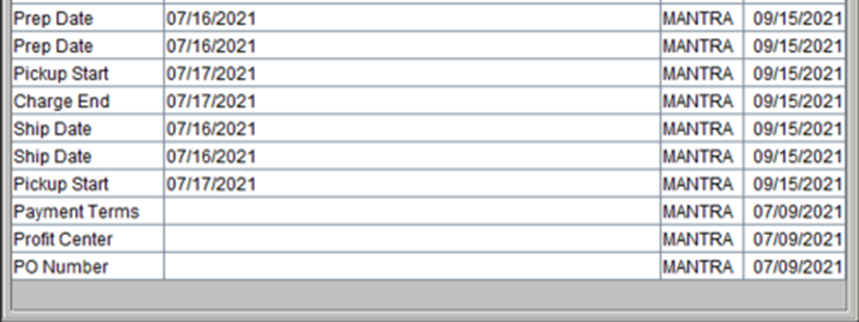
Figure 74: Change history for Order [CO349098] – Other actions