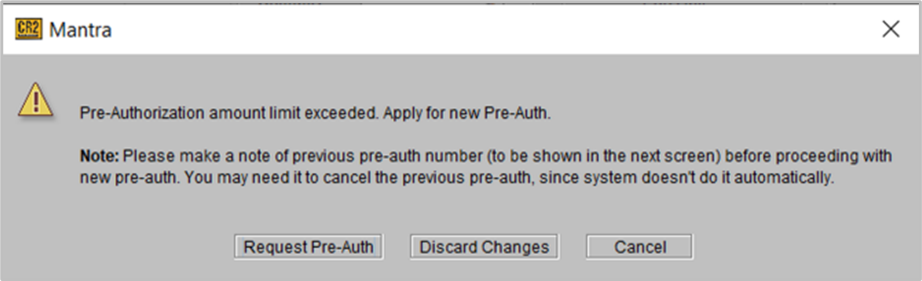
Display 'Warning Message Note' to cancel previous pre-auth, when the new Pre-Auth is exceeds the order amount
Details
In case of a Workorder, when the Order amount exceeds the Pre-Auth amount which was already received from VFS, the system will you ask to seek new Pre-Auth. However, even though you will proceed to get a new Pre-Auth, the previously existing Pre-Auth does not get cancelled automatically.
Thus, the system prompts you to manually cancel the overridden Pre-Auth.
Prerequisite: Any existing Order which had a Pre-Auth received.
Sample Workflow
-
Open any existing Order which has a Pre-Auth received.
-
Edit the Order to add/modify quantity of items, so that the total amount on the modified order increases.
-
Complete the Fill and Ship for the Order and proceed to seek a VFS for the modified order. Since the total amount on this Order is now more than the last VFS Auth received, you will see the following prompt.
Figure 69: Message prompt when VFS does a re-auth on existing one