Details
All CR2payments for VFS customers are facilitated through VFS, thus it obtains a Pre-Authorization from VFS before creating any Invoice. As a fail-safe check, CR2 allows genrating the Invoice only if the ‘Fill and Ship’ step is completed for all the items in the Order.
Sample Workflow
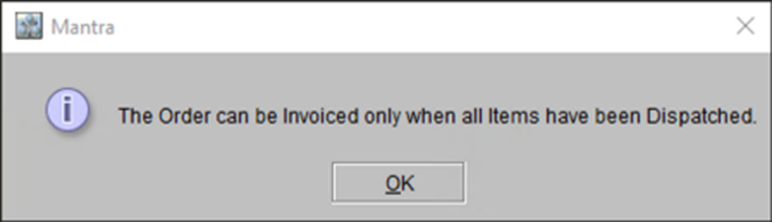
Prerequisite: For this feature to work, the ‘Ship Complete’ checkbox on Main tab of Accounts module must be selected. However, when you select this checkbox, system displays a prompt.
Figure 51: System prompt confirming when ‘Ship Complete’ is selected
-
Create a Part Sale Order with few items added.
-
If required, you can also add Service Items or Misc. Charges. However, a Part Sale Order, does not allow to add Labor resources.
-
-
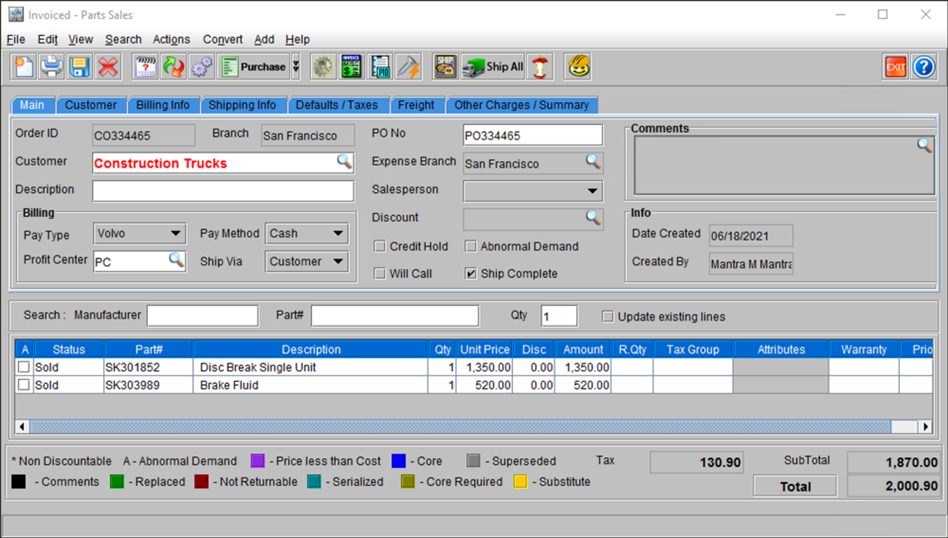
Do the ‘Fill and Ship’ for the items in the Order
Figure 52: Order ID [CO334465] with two items sold and shipped
-
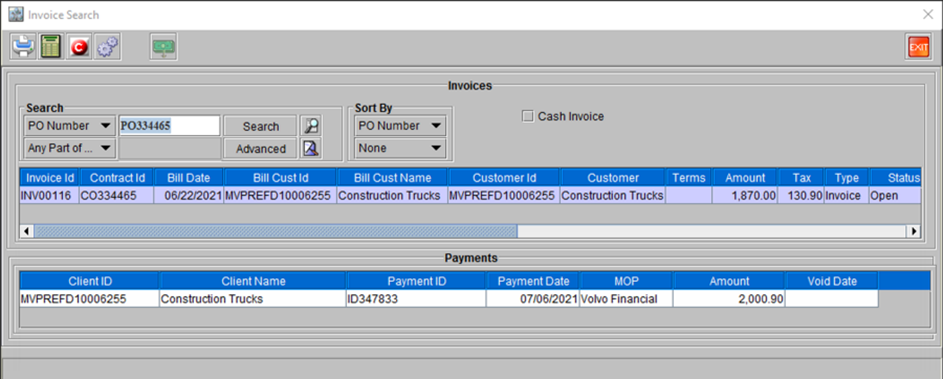
Invoice the Order.
Figure 53: Invoice for the Order ID [CO334465]
-
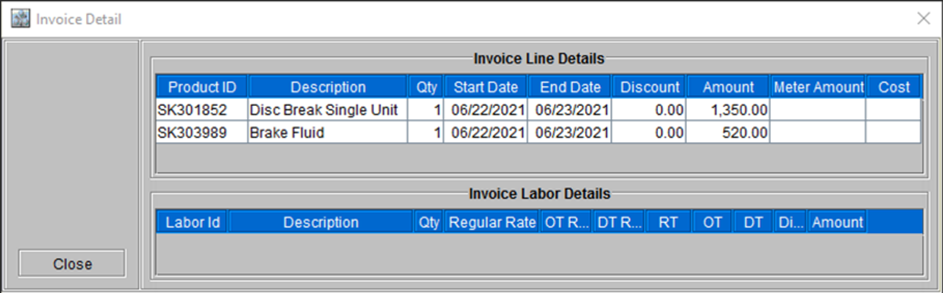
View the Item Line details for the mentioned invoice.
Figure 54: Invoice for the Order ID [CO334465] with Item Line details