Reference No: 19110
(V 01.00.86-00
Functionality
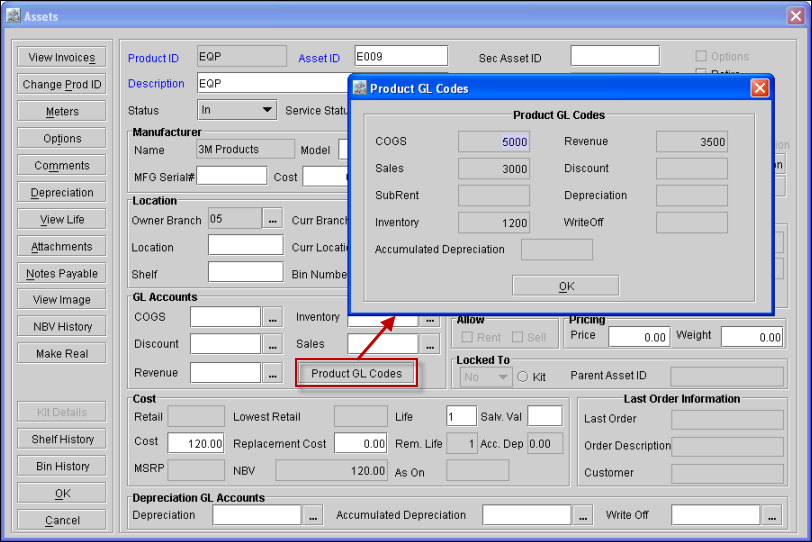
Now, while receiving asset for serial items, the Product level GL Codes of the Item will not be defaulted to the asset and the GL Accounts section of the Assets Edit window will be displayed as blank.
-
A new button 'Product GL Codes' has been now provided in the GL Accounts section of the Asset Edit window, clicking on which read only Product GL Codes dialog will appear, wherein the user will be able to view the Product Level GL codes of the item.
-
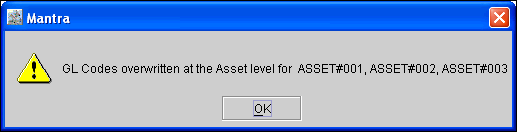
For an asset if a GL Code is already tagged in the GL Accounts section of the Asset Edit window, then while changing the same type of product level GL Codes in the GL Account section of the Equipment Edit window, system will display an message (as shown below) with the ID's of the Assets in which the same type of GL Code is already tagged.