Reference: 22818
(V 02.00.04-00)
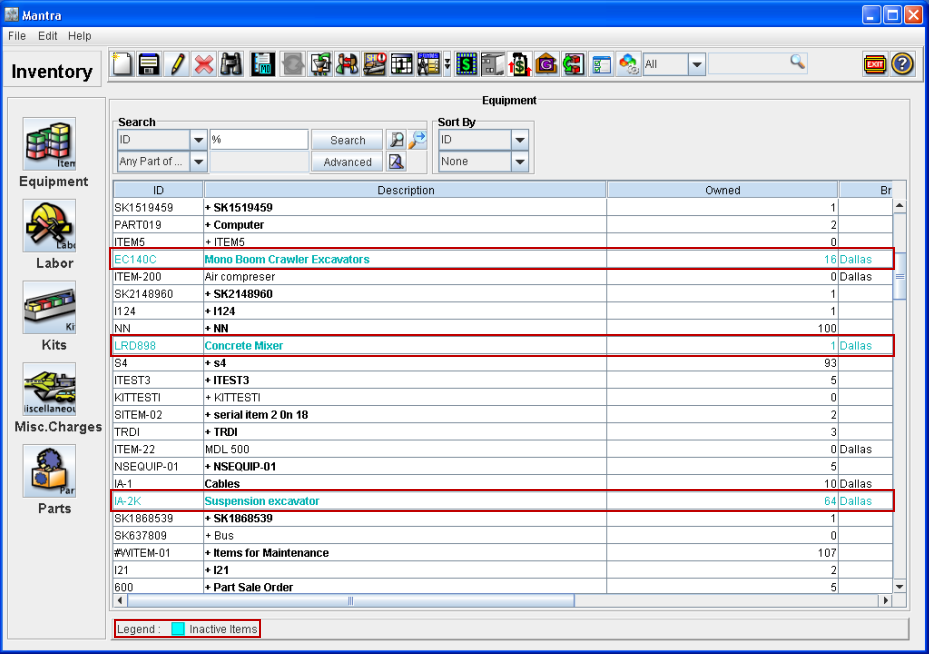
While performing search for Items, Equipment, Labor, Kits, Misc.Charges and Parts, system will display all the Items, Equipment, Labor, Kits, Misc.Charges and Parts which are active and inactive in the search results. The inactive items which are displayed in the search results will be shown in Cyan color (Refer Fig 1.0).
Fig 1.0
Parts Configuration window
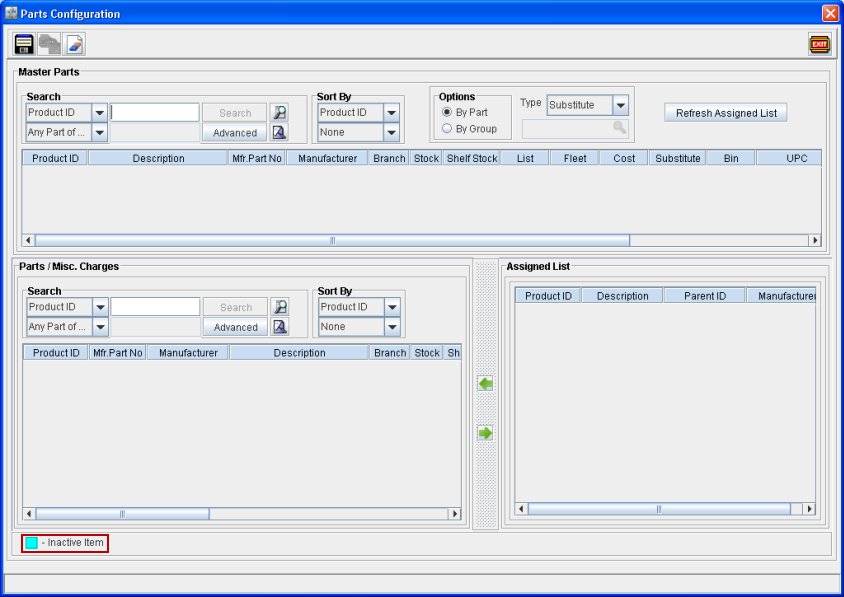
In Parts Configuration window, the legend Inactive Items with 'Cyan' color has been provided for identifying of the inactive parts as shown below.
Notes:
-
While performing search for Items/ Equipment/ Labor/ Kits/ Misc.Charges /Parts for adding to an order, system will not allow to add the inactive Items, Equipment, Labor, Kits, Misc.Charges and Parts to the order even though they are displayed in the search results.
-
In Parts Configuration window, system will not allow to add the Inactive Parts to a Substitute Group.
-
On opening the Parts Configuration window via part edit window-Substitute field of an inactive part, system will display the Part / Misc Charges g Search section as disabled.
-
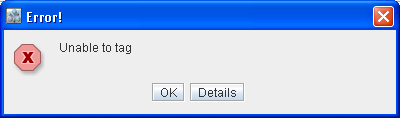
In Parts Configuration window, on tagging an Inactive part in Master Parts -Search section, system will not allow the user to tag the inactive item and displays the message "Unable to tag" as shown below.