
Reference : 22056
(V 02.00.02-00)
Viewing Work Order Segment Information in Asset NBV Summary
Details
In the Asset NBV summary window which is displayed for an asset (By clicking on the Asset Summary Icon with a Asset highlighted in Search assets window), you can view the Segment ID, Amount and added dates of the work segment in which the asset is added in the Sales/WO/Comments Tab. For more details refer table 1.0.
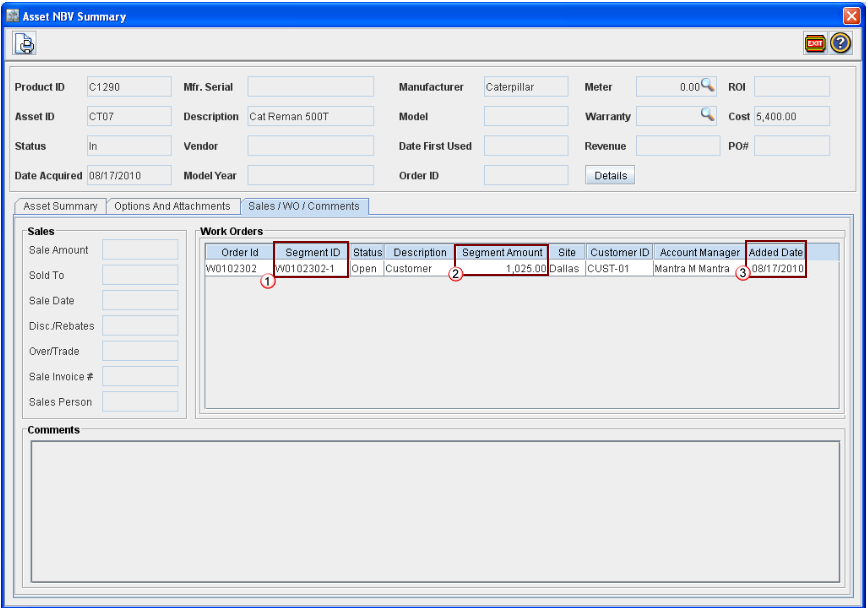
Figure 1.0
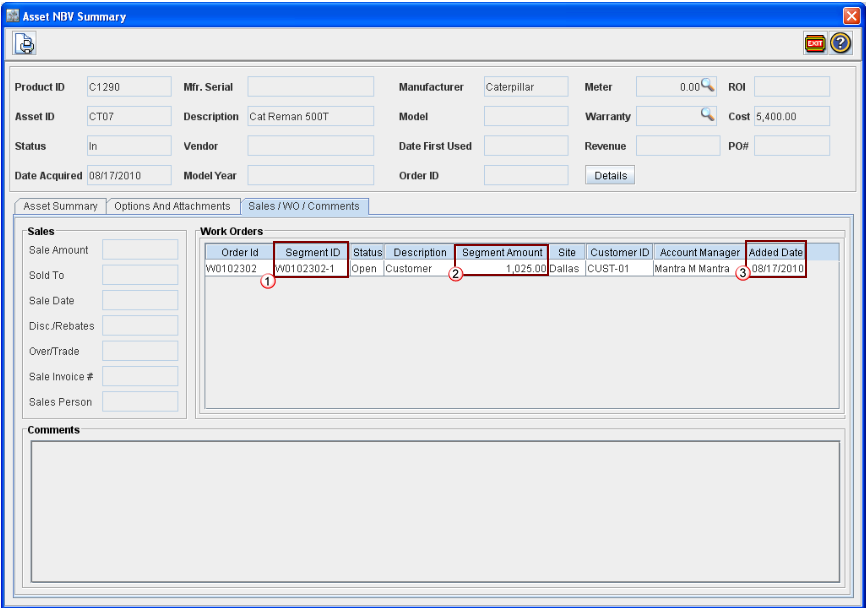
Table 1.0 Field Reference Table
|
|
Field |
Description |
|
1 |
Segment ID |
ID of the Work Order segment in which the asset is added |
|
2 |
Segment Amount |
Total Amount of the Work Order segment in which the asset is added |
|
3 |
Added Date |
Date on which the segment in which the asset is added, is created |