
Reference: 22044
(V 02.00.02-00)
In CR2, you can use mark a Quote Order ( RPO, Equipment Sale, Part Sale Quote, and Work Order Estimate) as lost, using the option Lost Order which is present under the Actions Menu in the respective quote order window. On marking a Quote Order as Lost, the status of the order will be set as 'Lost'.
Steps To Mark a Quote Order as Lost:
-
Open the quote order which you want to mark as Lost.
-
Select the option Lost Order from the Actions menu.
-
System prompts the confirmation message as shown in Figure 1.0.
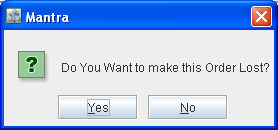
-
Click Yes, system will prompt Remarks window as shown in Figure 1.1.
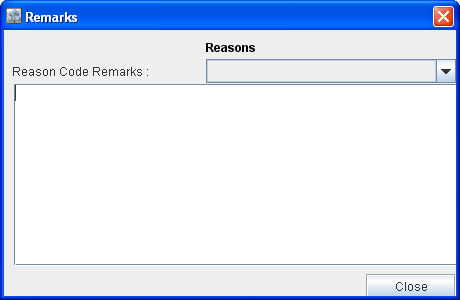
-
Enter the Remarks (mandatory) and select the pre-defined Reason from the Drop-down list.
-
Click Close.
-
Save and exit the order.