Reference: 23121
(V 02.00.05-00)
Details
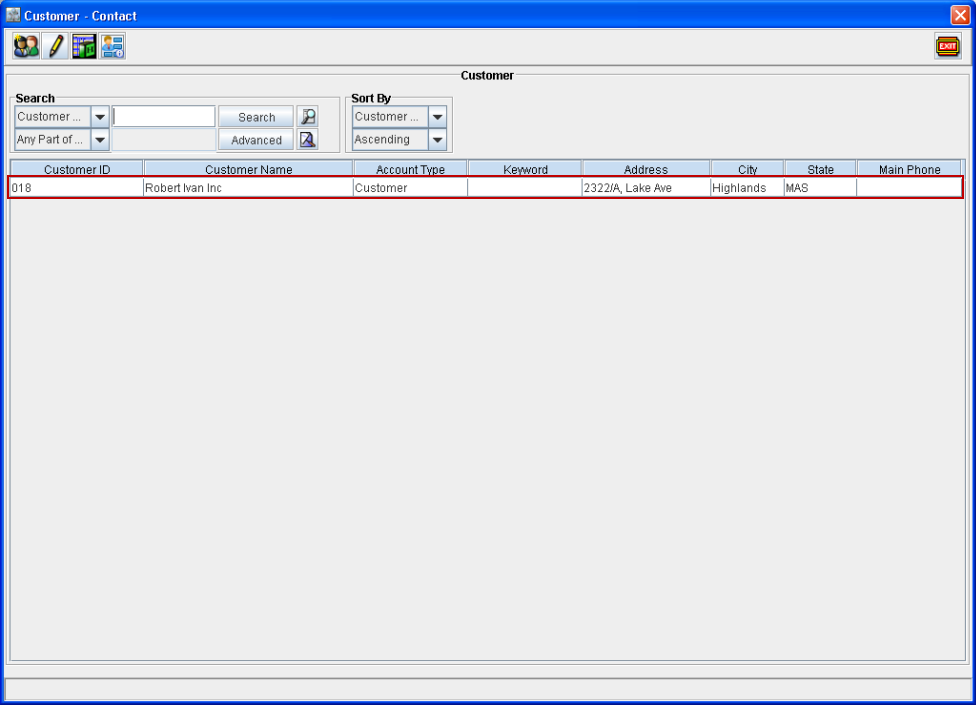
In Customer-Contact window which is opened from Accounts main window Search menu > Customer option, new feature Add Company/Customer has been provided using which you can create a new Customer (refer Figure 1.0).
Figure 1.0 Add Company/Customer Icon in Customer - Contact Window

Steps to create new customer from within Search customer window
-
Click Add Company/Customer icon in Customer - Contact window or use the shortcut keys Alt+A.
-
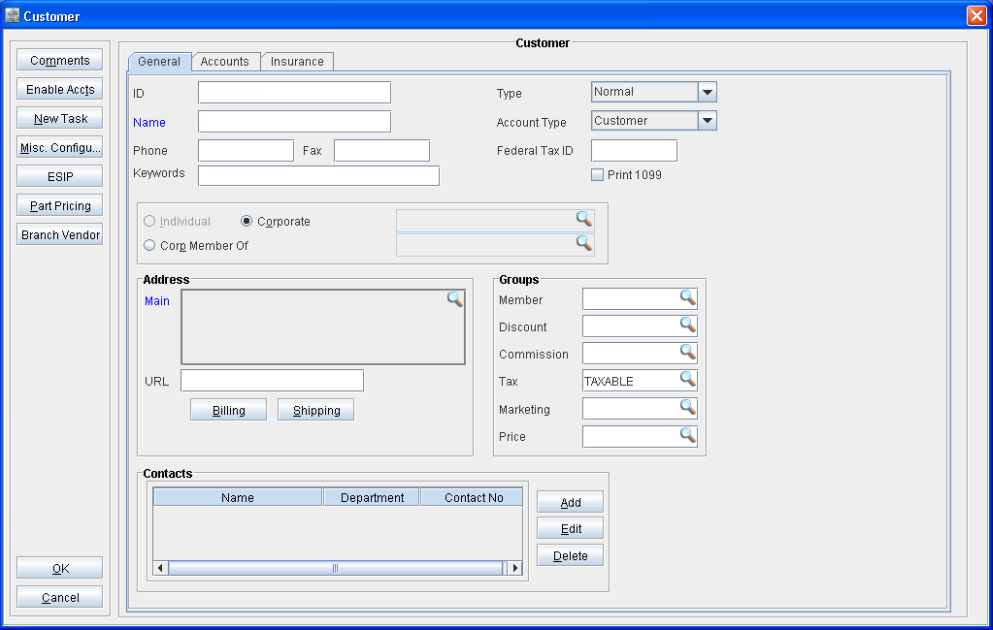
System will display new Customer window as shown in Figure 1.1.
Figure 1.1 Customer Window
-
Enter the required details and click OK.
-
System will list the newly created customer in Customer - Contact window as shown in Figure 1.2.
Figure 1.2 Customer - Contact window