Reference : 23749
(V 02.00.07-00)
Details
In Equipment Sale Order (Quote), changes have been made for enhanced usability and visual presentation. Refer below for details of changes.
Addition of New Tab
A new tab 'Defaults/Taxes has been in the Part Sale Order window list.
Fields present in Defaults/Taxes Tab
-
Tax Info fields
-
Destination
-
Origin
-
Is Taxable (check box).
-
Tax Details section (displays list of tax schedules applied for the order)
Addition of new fields
|
|
Field |
Description |
Tab Name |
|
1 |
Customer |
Displays Order Customer/Allows to change order customer. |
Main Tab (previously Information tab) |
|
2 |
Sales Person |
Displays Order Salesperson/Allows to change order customer. |
Repositioning of fields
The below listed fields and sections have been repositioned to other tabs.
|
|
Field |
Field Previous Location |
Field Current Location |
|
1 |
PO No |
Payment Tab |
Main Tab |
|
2 |
Tax Details section |
Sub Total Tab |
Defaults/Taxes |
|
3 |
Is Taxable (check box) |
Sub Total Tab |
Defaults/Taxes |
|
4 |
Tax Info fields
|
Shipping Tab |
Defaults/Taxes |
|
5 |
Expense Branch |
Information Tab |
Payment Info |
Removal of Icons from Tool Bar
The below listed icons have been removed from the Tool Bar icon list.
|
|
Icon |
Feature |
Feature - Alternative Access Location |
|
1 |

|
Enter Items |
Actions Menu - Enter Items |
|
2 |

|
Equipment Search |
Search Inventory feature can be used for performing Equipment search. |
|
3 |

|
Comments |
Order line - Right click menu - Comments |
|
4 |

|
Assign |
Actions - Assign |
|
5 |

|
Expand / Collapse |
Order Line - Right Click Menu - Expand / Collapse. |
|
6 |

|
Find |
Edit Menu - Find |
|
7 |

|
Paste |
Edit Menu - Paste |
|
8 |

|
Copy |
Edit Menu - Copy |
|
9 |

|
Cut |
Edit Menu - Cut |
Illustrations - Equipment Order (Quote) Window - After Change
Figure 1.0 Equipment Order (Quote) Window - Tool Bar

Figure 1.1 Main Tab
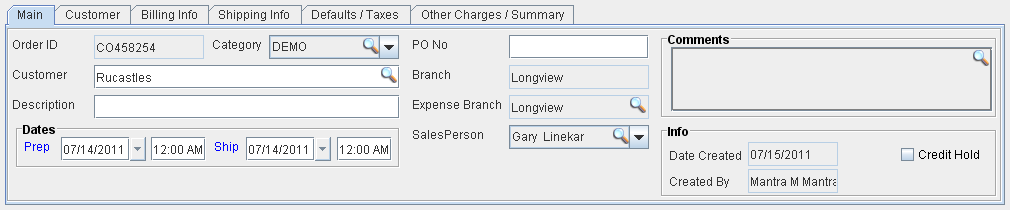
Figure 1.2 Customer Tab
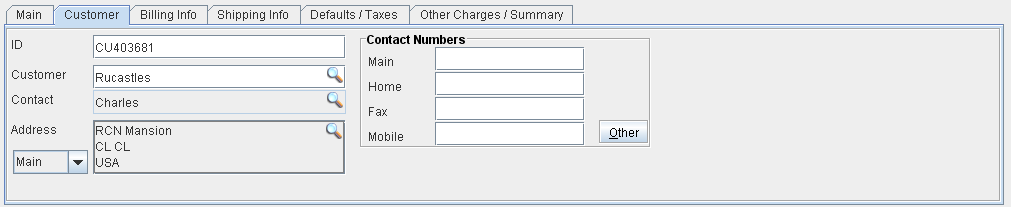
Figure 1.3 Billing info Tab
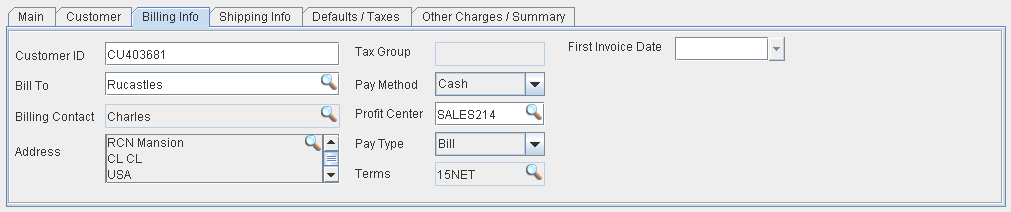
Figure 1.4 Shipping Info Tab
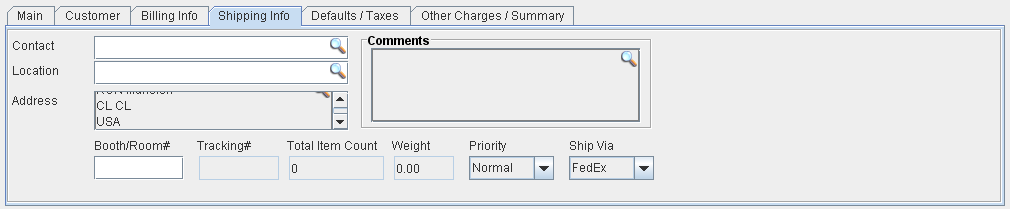
Figure 1.5 Defaults/Taxes Tab
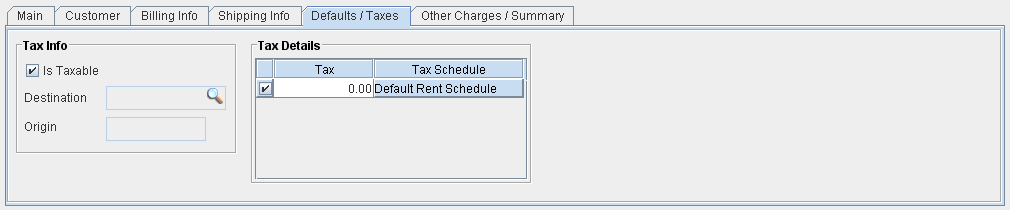
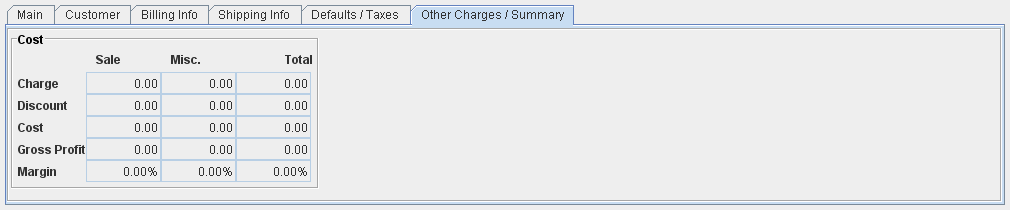
Figure 1.6 Other Charges/Summary Tab