
To reflect that the purchase order is approved by the user who created it, find and open the purchase order. Click on the Approve button 
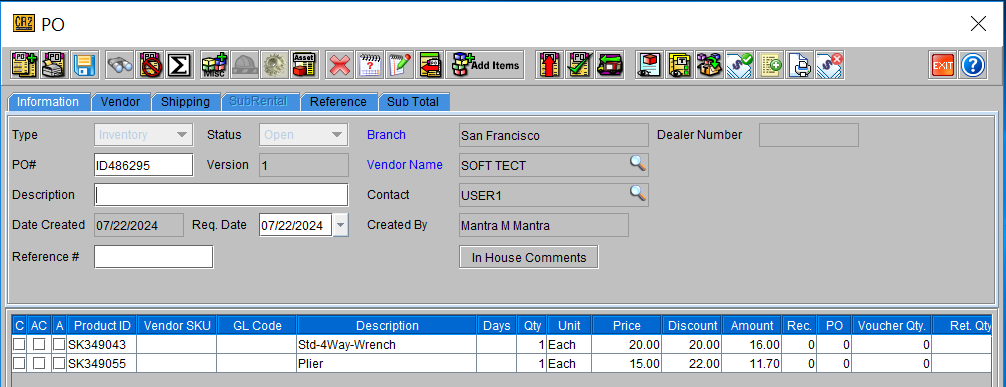
Click on the Approve or Approve All button. Items will be highlighted on blue font.
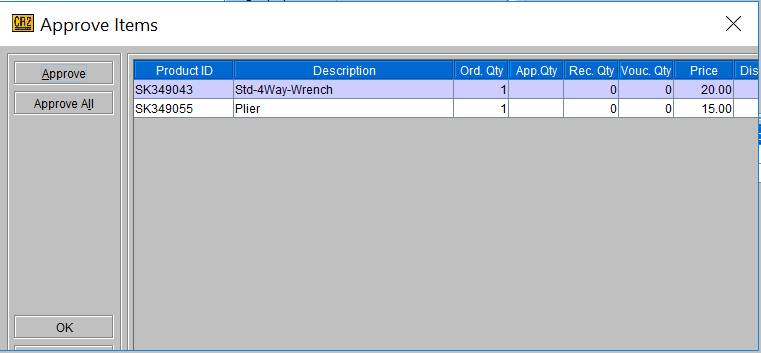
Click OK when finished and the purchase order screen will close.
The Purchase Orders will now show the Amount column populated and the voucher process can be performed by Accounting.