
Reference No: 26100
(V 02.00.19-00)
You can create an save custom Search criteria and Sort By options for searching in the Customer - Contact search window by using the User View feature, as shown in Figure 1.0.
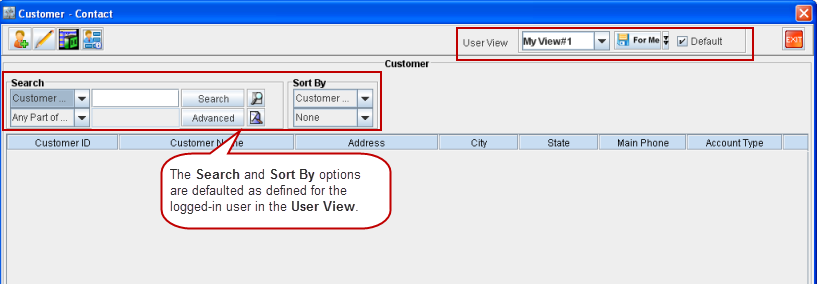
A User View can be set as the default profile for the logged-in Employee by selecting the Default check box from the User View section in the Customer - Contact search window. When a User View is set as the default view, upon opening the Customer - Contact search window the settings defined for that User View will be set as the Search criteria and Sort By options.