There are three main ways to search for a customer from the Account screen.
Search by Customer ID
Search by Customer Name
Search by Contact Last Name
To search by customer ID enter the number in the ID field.
To search by Customer Name enter the Customer name in the Customer field.
To search by Contact Last Name enter the contact’s last name in the contact field.
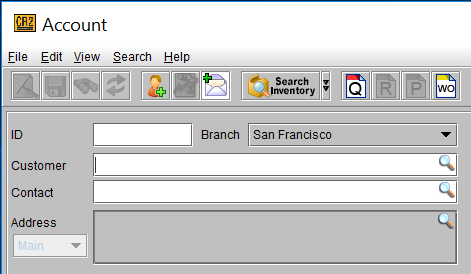
The ID field can also be used to search by the customer’s phone number. The Customer and Contact fields are not wild character searches. The search is based on the beginning of the field value.
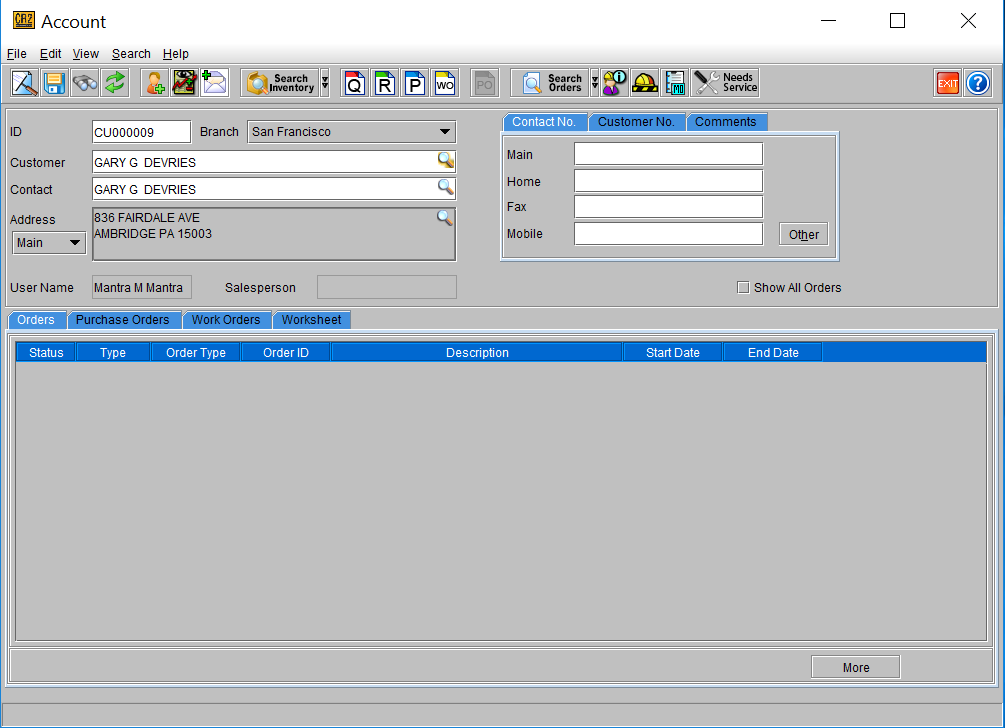
If there is only one result matching the value entered, the customer details will be populated in the Account screen.
If there is more than one match for the value entered, the Customer search screen will display all the results found.
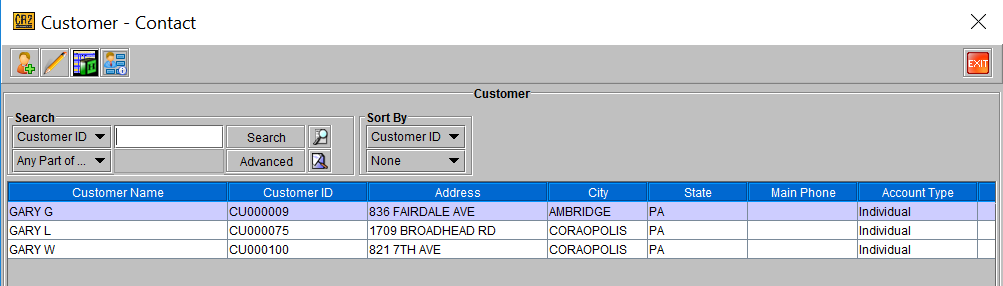
Double click on the desired customer and the details will be populated in the Account screen.
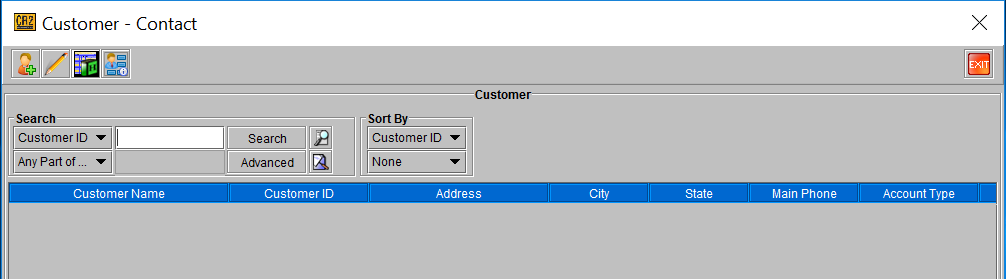
Customers can also be searched from the Customer search screen by different criteria. To access the search screen from the Account screen select Search from the menu bar and select the Customer command.
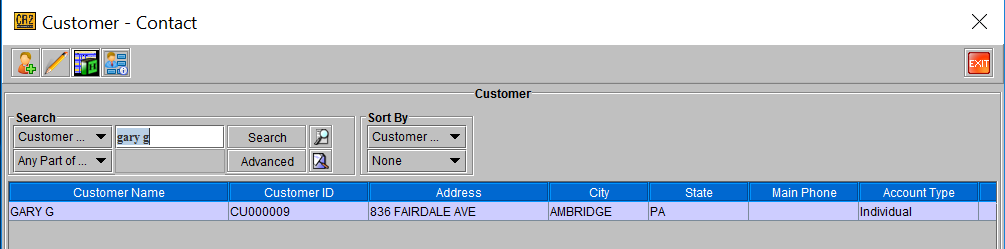
From the Customer search screen define the search criteria by selecting a field from the field dropdown list and entering the value in the blank field. Once a value is entered the Search button will become enabled. Click the Search button to execute the search.
By entering part of the Customer name and defining the search by “Any Part of Field” the results display all companies whose name contains the value entered.
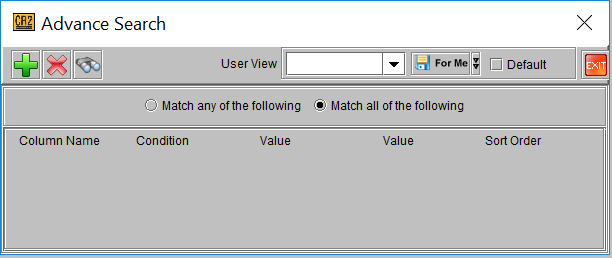
To search by multiple criteria use the “Advanced” search function. Use the add button to add additional criteria selection. Click on either the choice for “Match any of the following” or the choice for “Match all of the following”. Use the delete button to remove a criteria selection. Use the find button to execute the search.