
From the Search Customer / Contact screen click the Add Customer icon 
The following screen will appear.
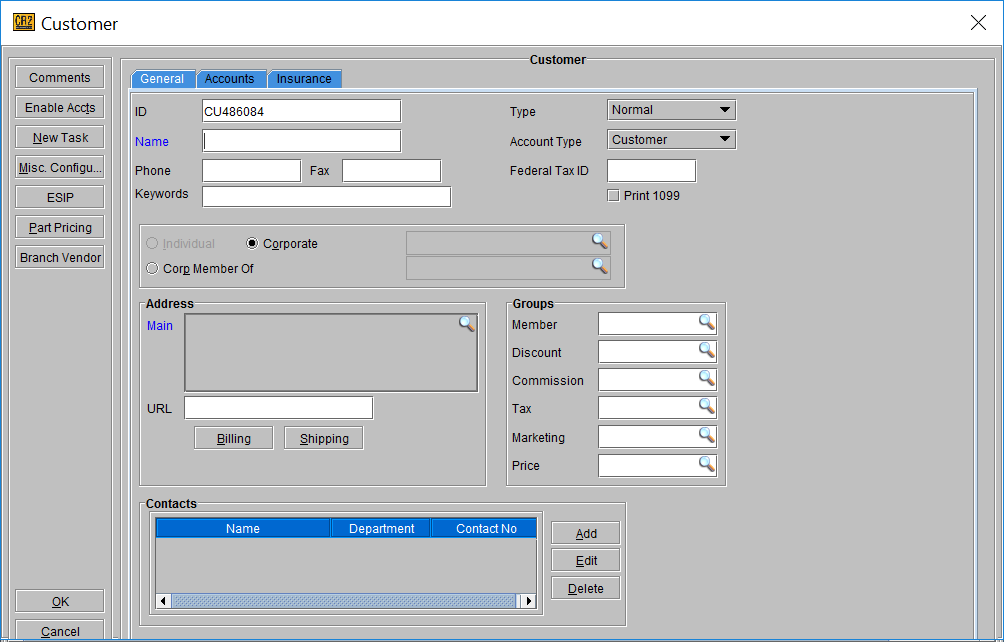
From the Customer screen enter the customer details in the appropriate fields. Click OK to save the customer.
To edit a contact, from the Search Customer / Contact screen, find the customer. Right click and select edit.
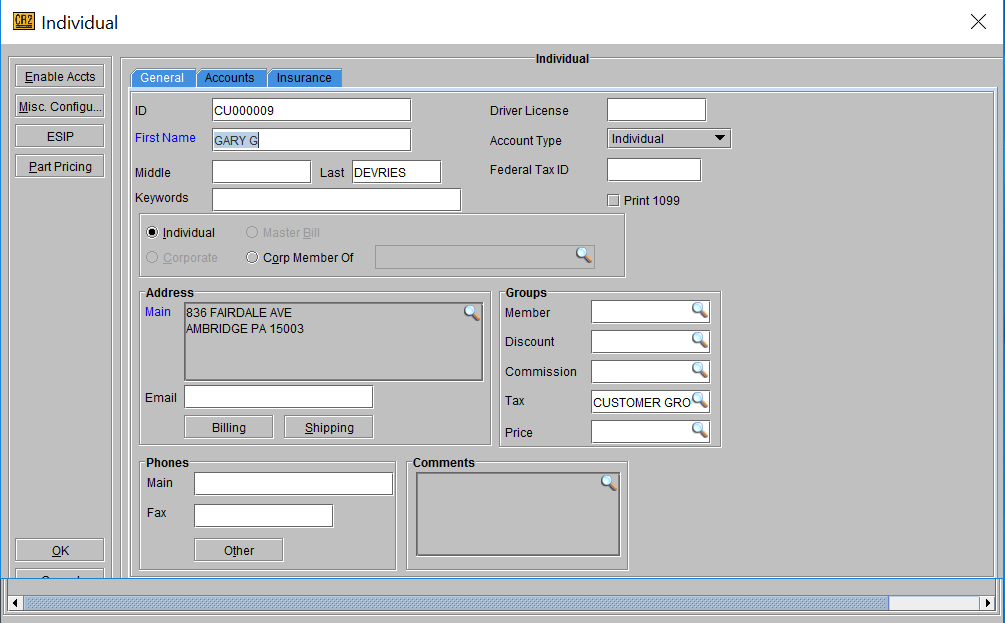
From the customer screen update the contact details in the appropriate fields. Click OK to save the customer.
The customer name and main address get auto populated in the contact profile. If the contact’s address is different than the main address the address can be edited by clicking on the import button.