
The Report configured in Configuration module can be generated using the Report Wizard, the reports definition of the configured reports can be viewed.
To access the Report Wizard window
-
In CR2 Launch Pad, click on Reports module.
-
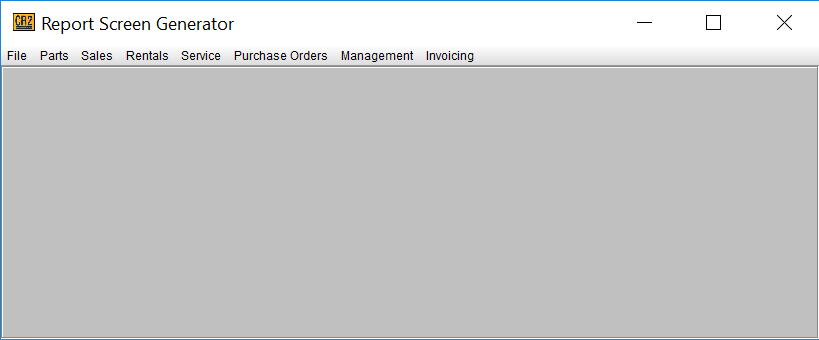
The Reports Screen Generator window will be displayed.
-
Click on File 🡒 Report Wizard.
-
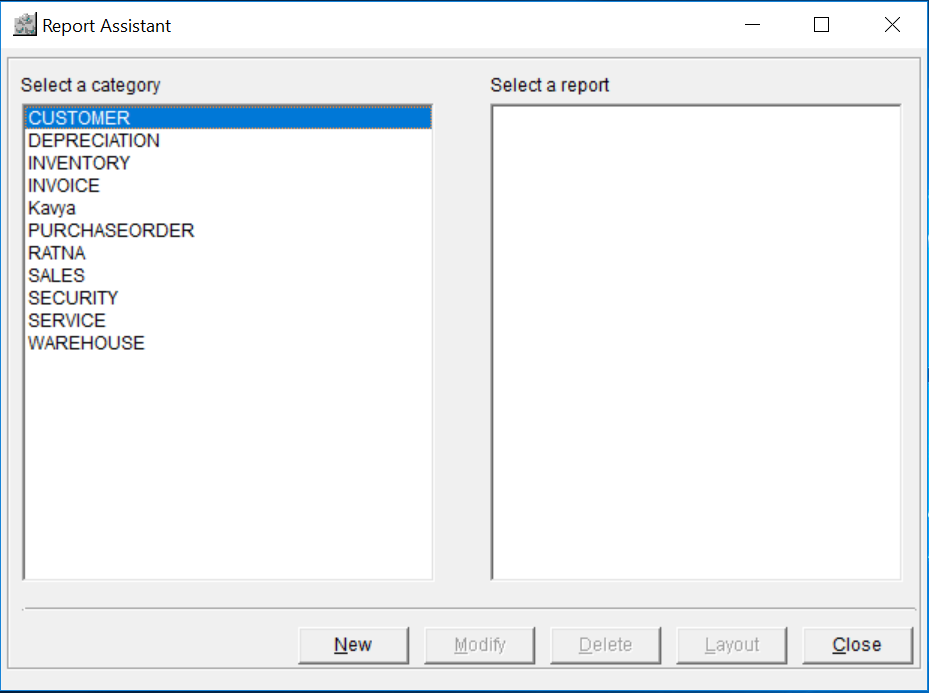
The Report Assistant window will be displayed.
To create a new report
-
In the Report Assistant window, select a category from the left-hand pane of the window.
-
The Report Definitions for the selected category will be displayed in the right-hand pane of the window.
-
Select a report Definition and Click on New button.
-
The Enter Report Name dialog will be displayed.
-
Select a Report definition from the drop-down list.
-
Define a report name in the Enter the Report field.
-
Click on OK to open the Reports Report Wizard window, else Cancel to Cancel the Report.
There are six different tabs that you can utilize to build your report.