
Reference : 22090
(V 02.00.02-00)
Details
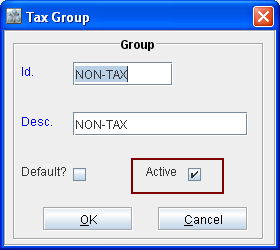
In Cr2, while defining or editing a group (for example Substitute group, Meter group, Tax group, Maintenance group etc.) , you can set a group as either Active / Inactive. This can be done by selecting or de-selecting the option "Active" present in the Group Edit window, as shown below.
Points to Note
-
On creating a new group, system will display the Active option as selected by default.
-
On setting a group as inactive (by de-selecting the Active check box), system will not allow to tag the inactive group.
-
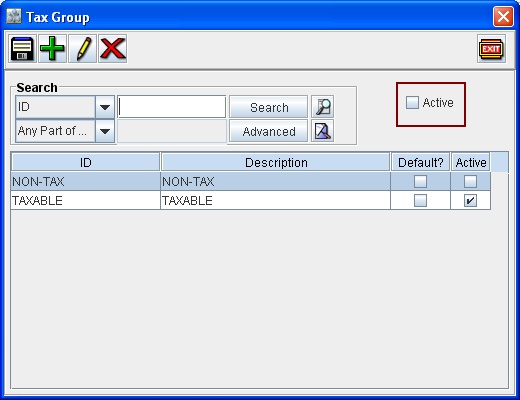
In the every Group search window, the inactive groups will be displayed only if the option Active (as shown below) present in the group search window is in de-selected status.
-
On performing group definition search in the Group search window with the option Active as de-selected, system will display both the active and inactive groups.