
Reference No: 22081
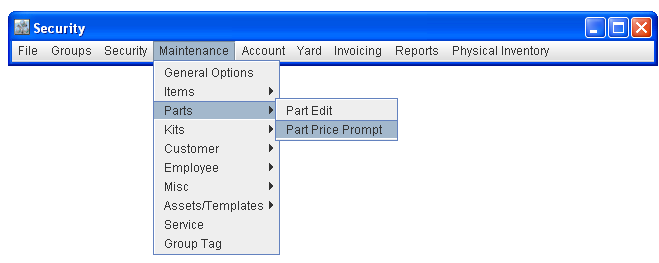
In Cr2, you can secure the Price updation prompt which is displayed (as shown in Fig 1.0) while changing the List/Cost/Fleet pricing for a Part. This can be done from within the Security Module, using the option Part Price Prompt present under the Maintenance Menu - Parts Sub menu (as shown in Fig 1.1)
Fig 1.0
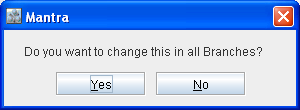
Fig 1.1
In the Security Module, you can apply the security for the Part Price Prompt as either Full Access, Read Only Or No Access. On applying either Read Only or No Access security for the prompt, then on changing the List/Cost/Fleet pricing for the parts, system will not display the Part Price updation prompt.