Getting VFS Authorization for Credit Memo
Details
Since, all payments and credits for VFS customers are facilitated through VFS, before creating a Credit Memo, CR2 will obtain an authorization from VFS for any of the following types of Orders:
Parts Sale Order
Equipment Sale/Rental Order
Work Order
CR2 allows to create a Credit Memo for both Full/Partial credit payments. Also, if an existing ‘Open Credit Memo’ is amended, then CR2 will ask for a new authorization for the ameded amount.
The process is applicable for all the 3 entry-points from where a Credit Memo can be created for an Invoice – From within the batch, From within the Order, and While cancelling an Order.
The usual process of keying-in a Auth Code manually in case of a system fail, is applicable in this workflow as well.
Sample Workflow
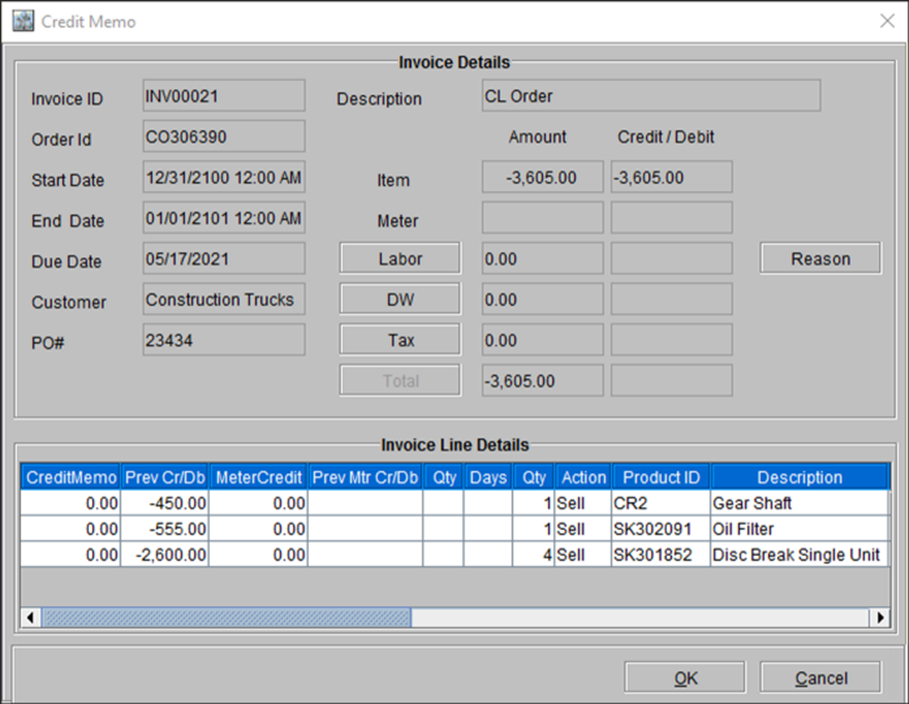
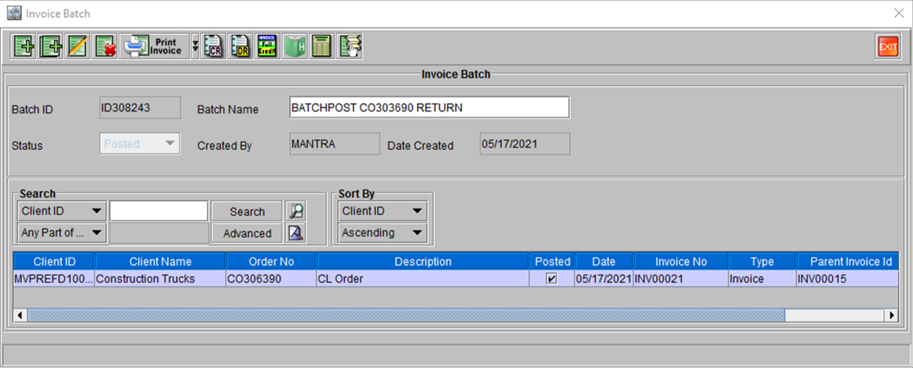
Open the desired Invoice (which is already posted and has a negative amount displayed).
Double-click on the Invoice line and select it. Click ‘Full Credit’ icon on the menu-bar.
Figure 45: Invoice ID [INV00022] already posted, showing total amount in negative.
Click ‘Yes’ when prompted for confirmation.
Enter an appropriate ‘Reason/Remark’ in the dialog box when prompted.
Note: Reason/Remark field cannot be left blank, neither it does not accept Null Characters or Blank spaces.
A prompt message box shows confirmation. Click Yes to generate a print copy for the credit memo.
Figure 46: Confirmation Message on completion of Credit Memo generation
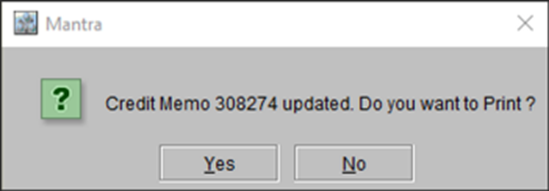
Figure 47: Credit Memo for the Invoice