
AR/AP Batch Posted
(V 02.00.18-00)
While posting an AR/AP batch using Quickbooks format, the column U (Field 21) of Sales.csv and the column V (Field 22) of Purchase.csv files display the Tax Group ID set in the Items/Parts/Labor/Misc Edit windows for the Items/Parts/Labor/Misc lines respectively.
However, if the Tax Group ID is not set or is set as blank for the Items/Parts/Labor/Misc, the system will enter the Tax Region ID of the Order header in the Sales.csv/Purchase.csv file.
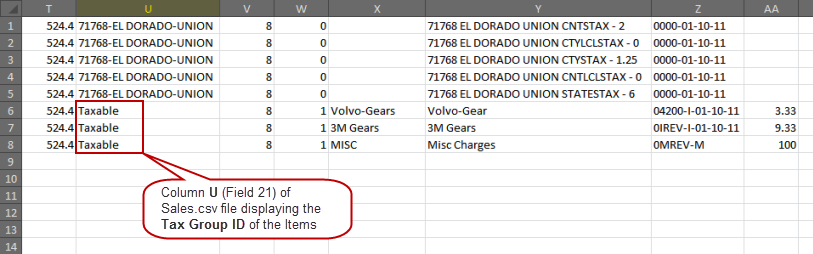
Sales.csv file displaying the Tax Group ID of the Item