Set Default Print Type Option for Order Prints
Reference No: 23919
(V 02.00.06-00)
Details
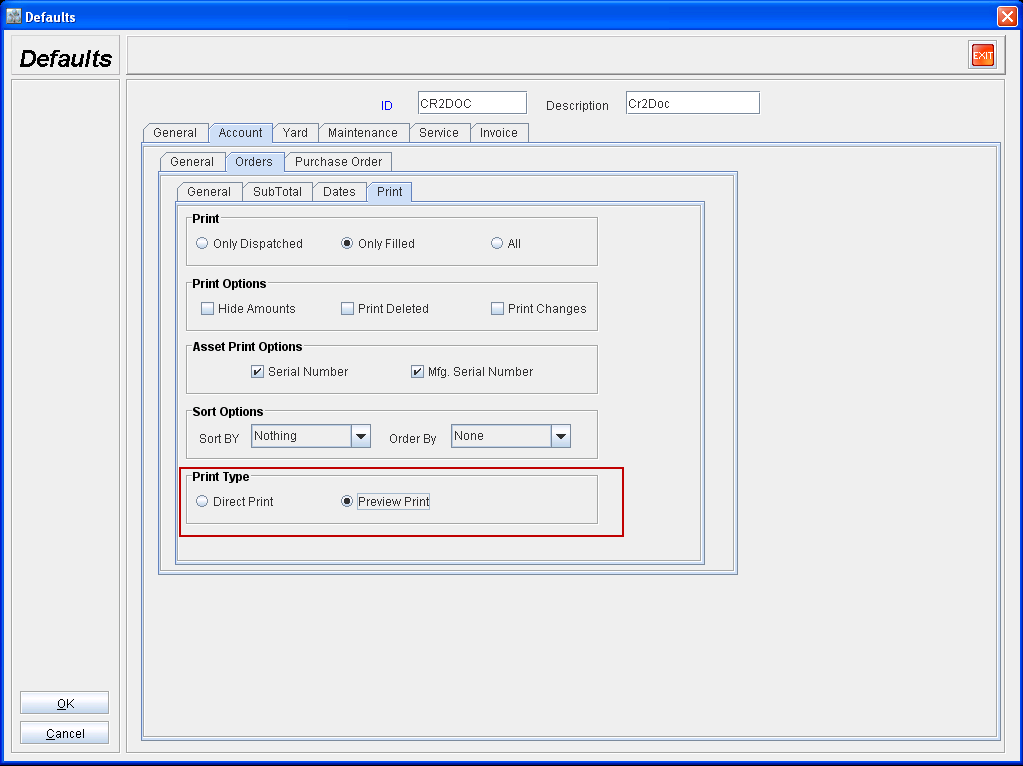
In Defaults module, you can use the Print Type options available in Accounts tab → Orders Sub Tab → Print Sub tab (Refer Fig 1.0) to define the default print type option that has to be displayed while printing orders.
Fig 1.0
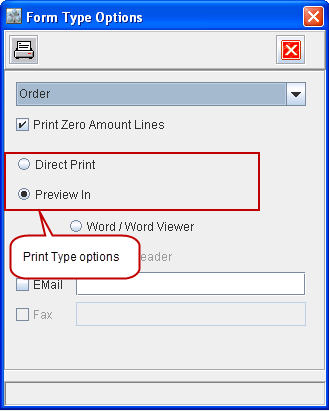
On generating Order prints, system will display the default Print Type option in Form Type options dialog as per the Print Type settings present for logged-in employee - Default Module definition. Refer Fig 1.1
Fig 1.1