
Set Allow Damage Waiver Status for Items
Reference No: 22255 A8KE67575
(V 02.00.02-00)
A new option Damage Waiver is added (as shown below) under the Allow section in Equipment Edit window, using which the Damage Waiver allowable status can be set for an item.
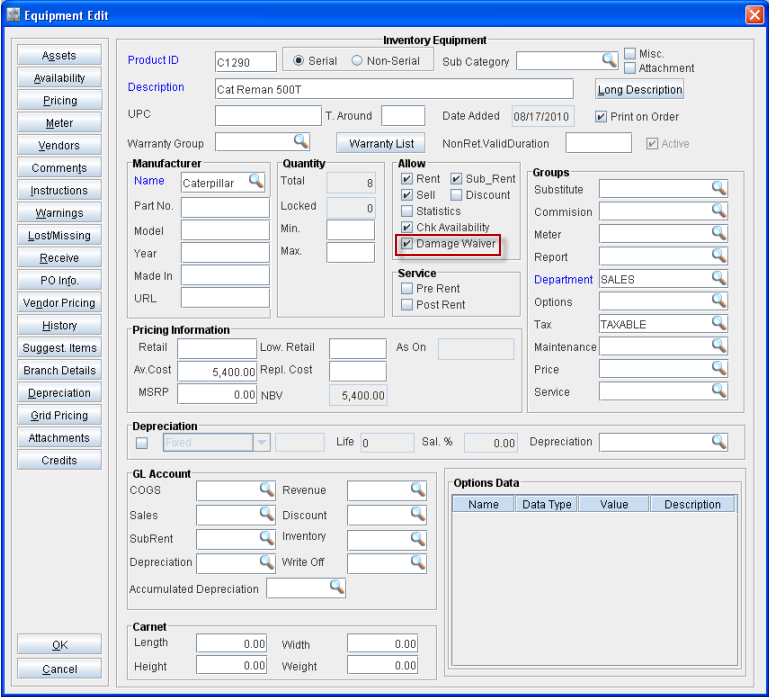
On creating a new Equipment, system will display the option Damage Waiver selected by default.
On setting the Damage Waiver option as false (by de-selecting the option), on adding the item to an order having Damage Waiver charges defined, system will not consider the item while calculating Damage Waiver amount for the order lines.