
Reference : 23887
(V 02.00.06-00)
Support has been provided to define GL Code definition of Account 'Expense', which will be considered while posting Accounts payable vouchers.
Steps to create Expense GL Code:
-
Access Invoicing module.
-
Select Actions - GL Code.
-
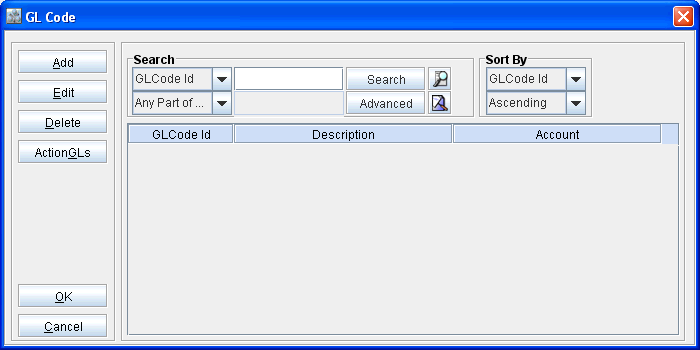
System displays GL Code definition search window as shown below.
Figure 1.0
-
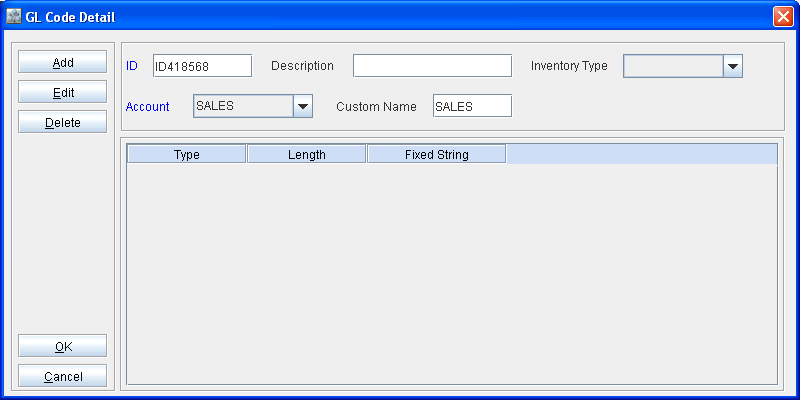
Click Add to display GL Code detail window.
Figure 1.1
-
Define ID and Description.
-
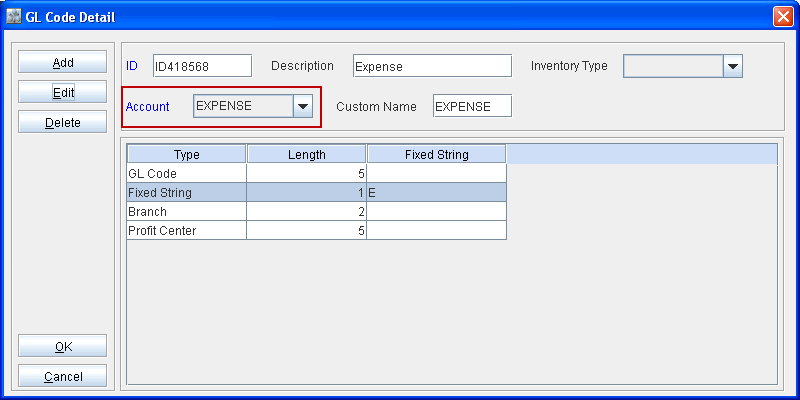
Select the Account type as 'Expense'.
-
Define segments for the GL Code definition.
Figure 1.2
-
Click OK to save the settings and exit.
Table 1.1 GL Account definition and GL Code Consideration with effect to version 02.00.06-00
|
Transaction / Accounting Scenario |
GL Account definition Considered from Item Edit window |
Invoice - GL Code Definition |
|
Expense A/C |
GL Code Definition of type "Expense''.
|