Reference : 22196
(V 02.00.02-00)
Details
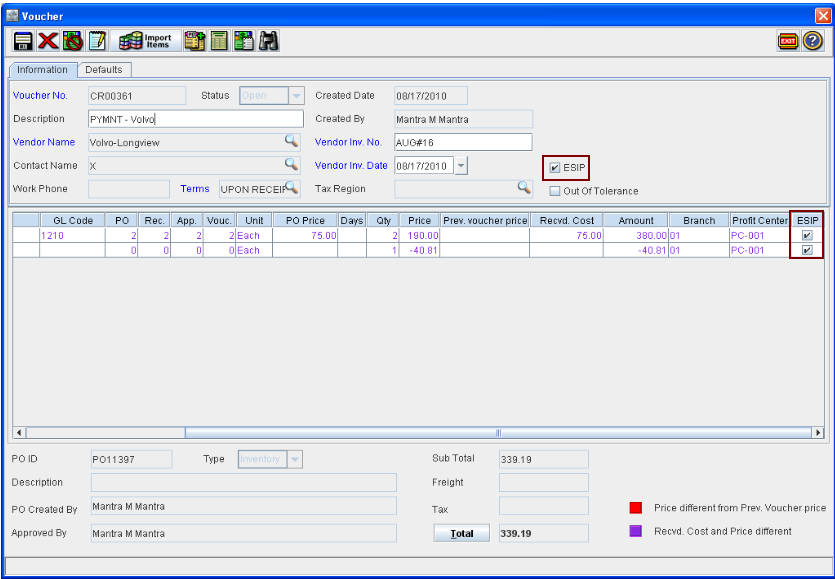
In Cr2, you can differentiate the vouchers which are created through ESIP and the vouchers which created manually, using the option ESIP which is present in the voucher header as well as the voucher lines.
Figure 1.0
-
On creating a voucher through ESIP, system will automatically update the ESIP option as selected in the header as well as the for the lines which are present in the voucher.
-
For a line which is manually added to a voucher which is created through ESIP, the ESIP column will be displayed as de-selected.
-
System will not allow the user to select/de-select the option ESIP manually.
-
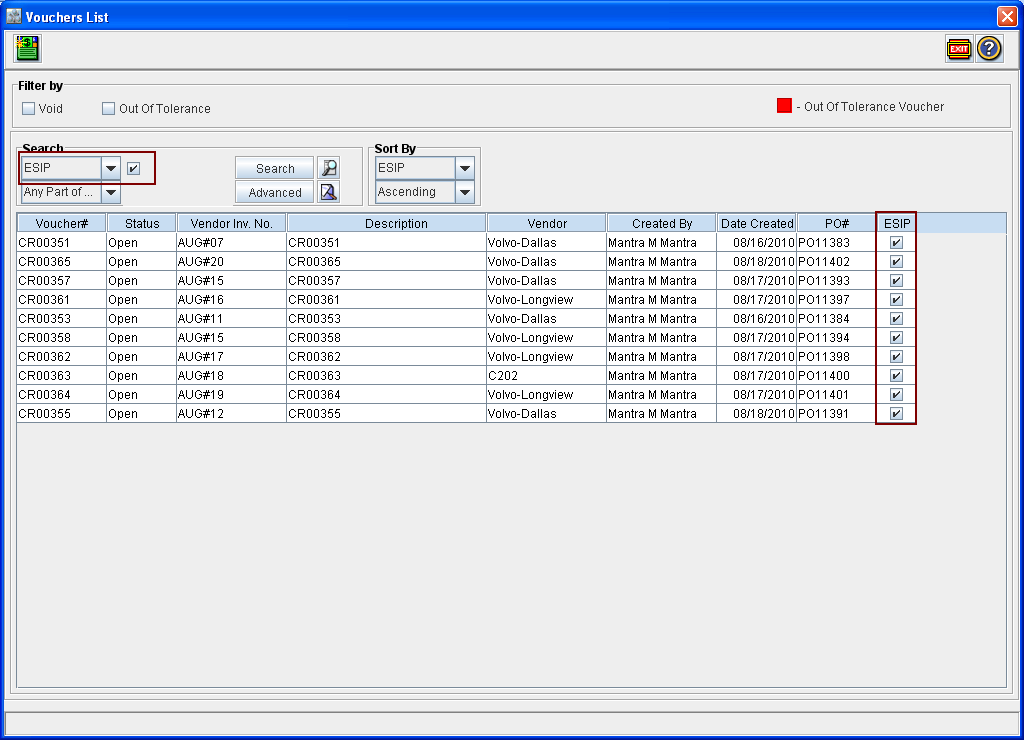
You can also search for Vouchers which are created through ESIP from within the Voucher List window, using the search field ESIP (as shown below). To display only the vouchers which are created via ESIP, perform search with the ESIP search field value as selected.
Figure 1.1